When your ABCheck experiment reaches its stopping condition, its status changes to Completed and a winner is declared. This article explains how to interpret the results.
Experiment Status
An experiment can be in one of the following states:
-
Draft – created but not yet activated
-
Active – currently running and collecting data
-
Completed – the stopping condition has been reached and the experiment has ended
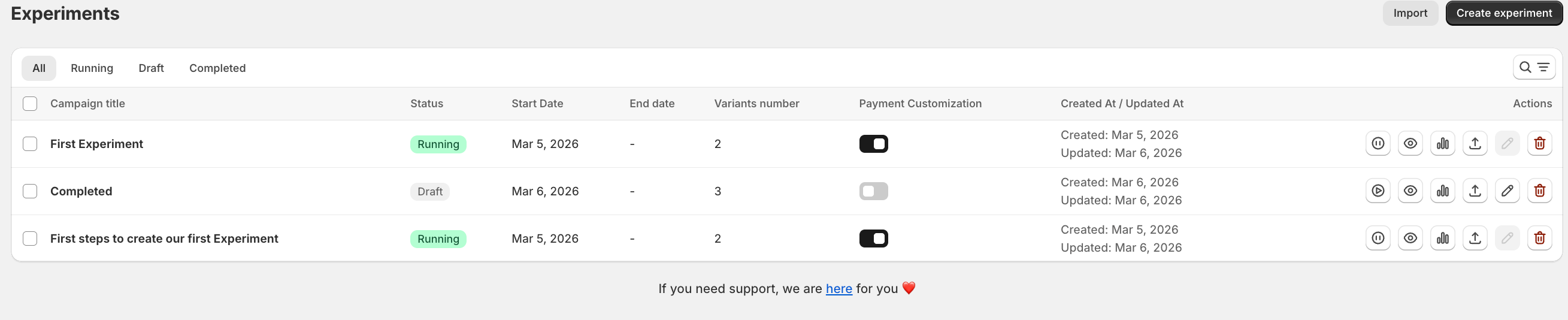
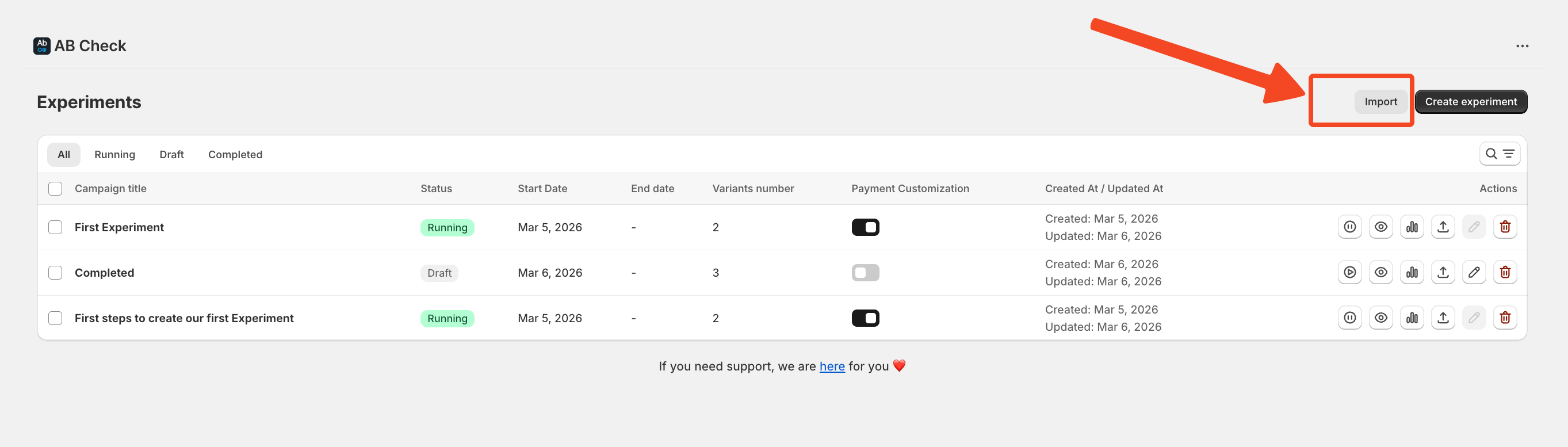
Completed experiments cannot be re-enabled. If you want to run the same test again, export the configuration and re-import it as a new experiment.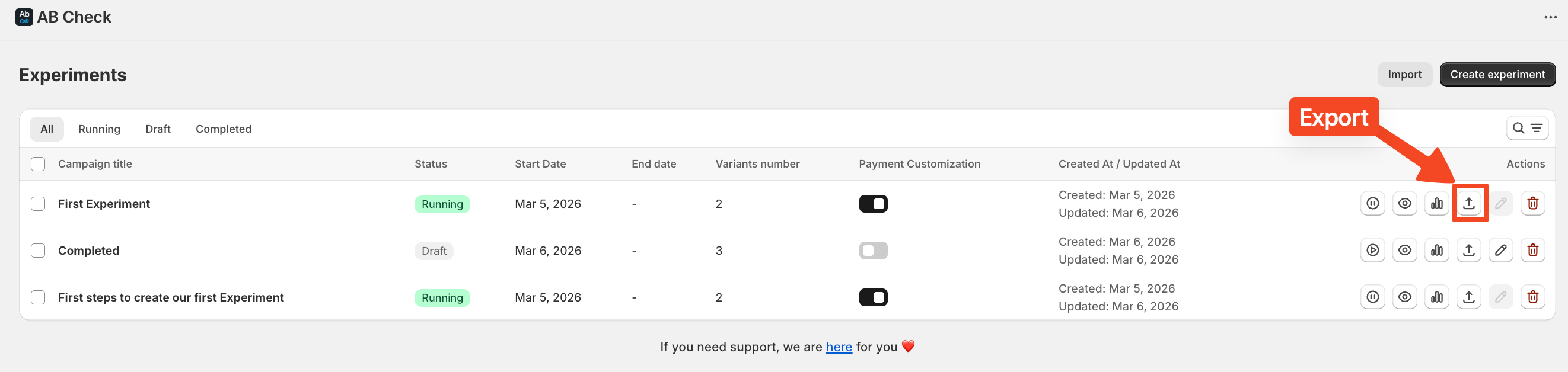
The Winner
ABCheck automatically identifies the winning variation based on your chosen success metric. The winner is the variation with the higher checkout conversion rate (or higher AOV if that was your metric).
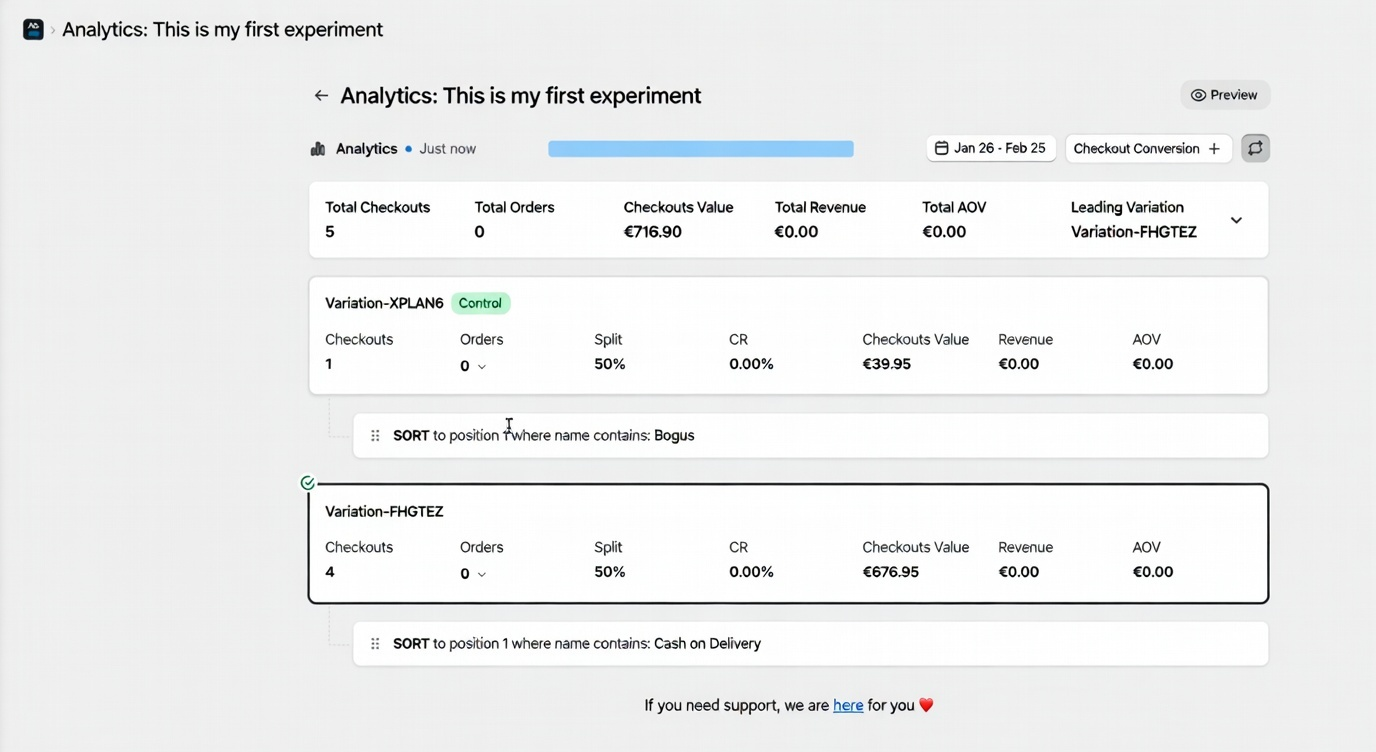
Checkout Conversion Data
For each variation you will see:
-
Total checkout sessions assigned to that variation
-
Total orders generated from those sessions
-
Calculated conversion rate (orders / sessions × 100)
Average Order Value Data
If the AOV metric is selected and orders have been placed, you will see the average order value for each variation. Note: if no orders were placed during the experiment, this data will not be populated.
Exporting and Reusing Configurations
From the completed experiment page, you can Export the full configuration as a file. This file contains all variation settings, conditions, and metric choices. You can Import it back into ABCheck to create a new, identical experiment saving time when you want to repeat or iterate on a test.