Go to your Shopify Store, under the menu Apps you will finde the app SupaEasy, insiede the app there is the section FLOW.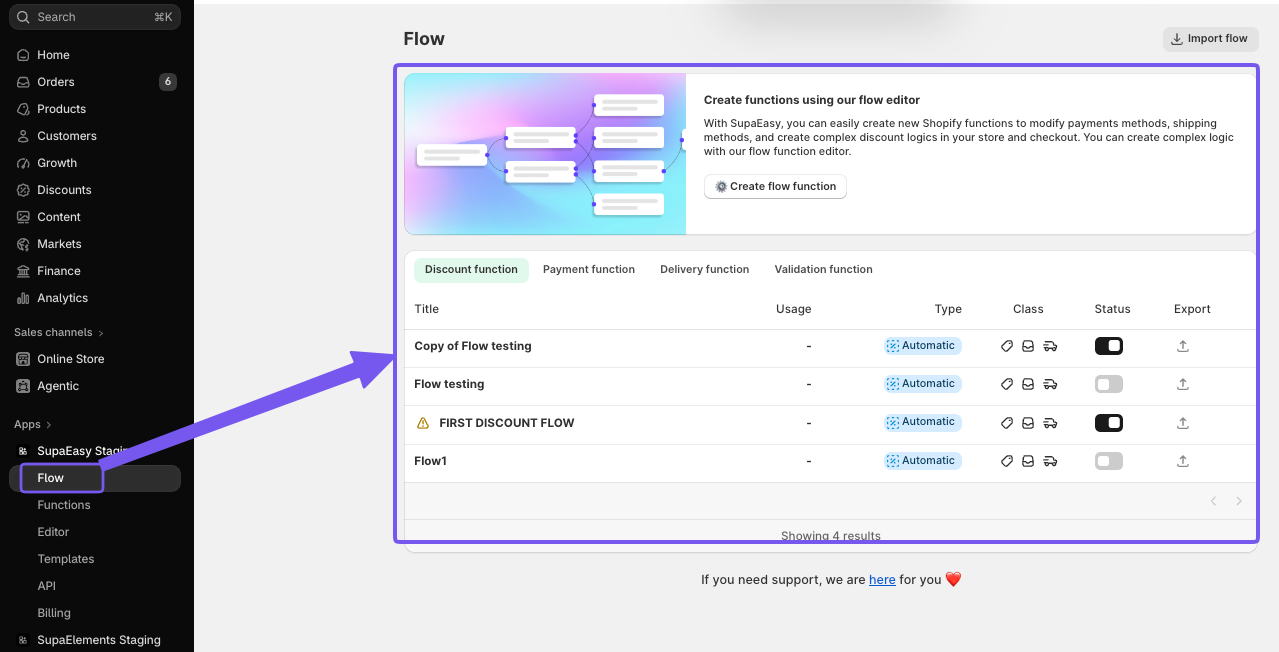 Clilck on it and in the may window you will have the dashboard of Flow.
From here you can create o manage all the functions you have created
How do I access SupaEasy FLOW?
Written by
Updated 1 month ago
