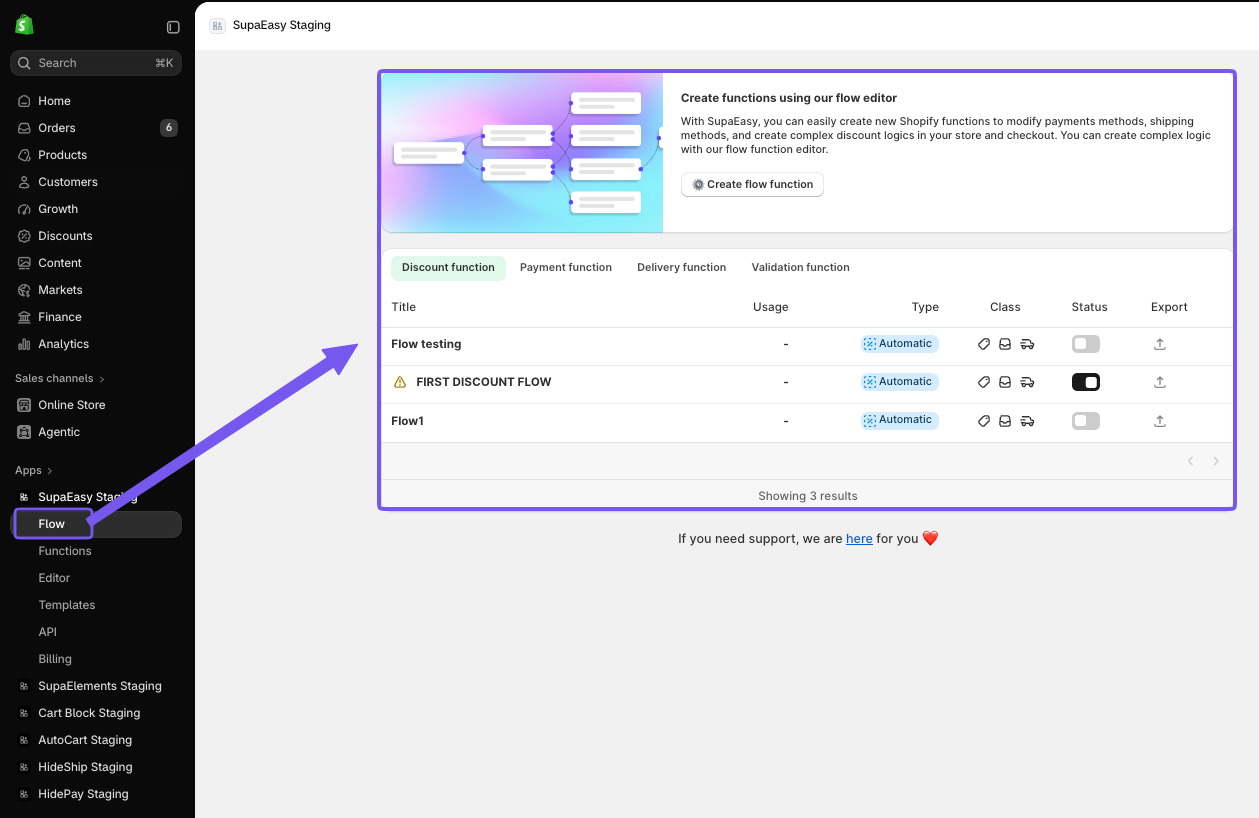
You can access Flow from the Apps menu inside your Shopify admin by opening the SupaEasy app.
Once inside SupaEasy, click on Flow in the left-hand sidebar. This will open the Flow dashboard in the main window, where you'll immediately see all your existing Flow rules.
You can easily navigate between Discount, Payment, Delivery or Validation functions using the folder on the top of the dashboard.
-
From this dashboard, you can also:
-
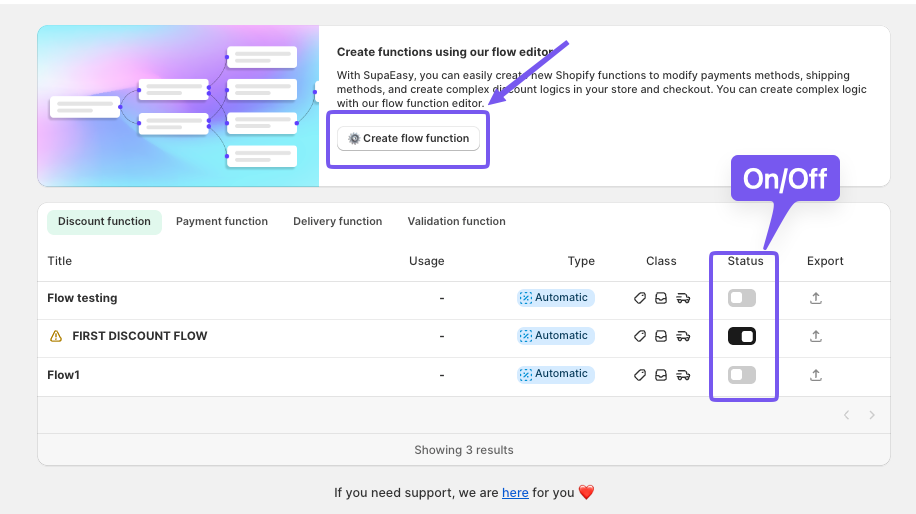
Activate or deactivate each Flow rule with a single click
-
Import or export functions to easily transfer them between stores
-
Create new Flow functions using the “Create Flow Function” button at the top
-
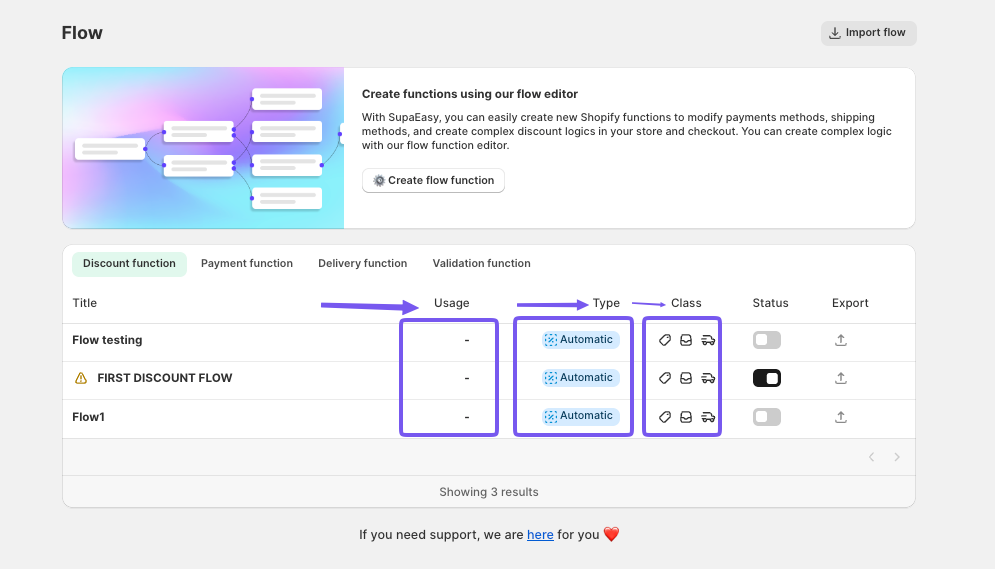
Also, in each folder you can find all important information for each of your flows like:
-
The type of function it performs
-
Actual Status of the flow
-
Type of the flow
-
The number of times it has been used for Discount Flows
-
Whether it’s set to run automatically or via a discount code for Discount Flow
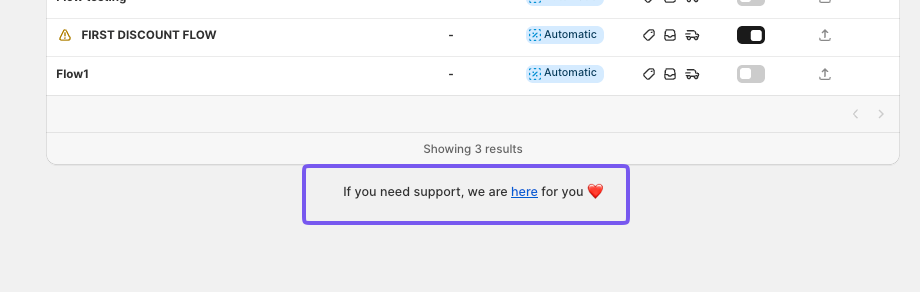
At the bottom of the page, you’ll also find a direct link to our support resources, including help articles and the option to start a live chat using the icon in the lower-right corner.