Logs are records of every time a Flow function is triggered on your store.
They allow you to access important information such as:
-
The exact names of payment or shipping methods used at checkout
-
Any errors or issues that occurred when a function was executed
To access this data, you first need to share Logs. Here’s how to do it:
-
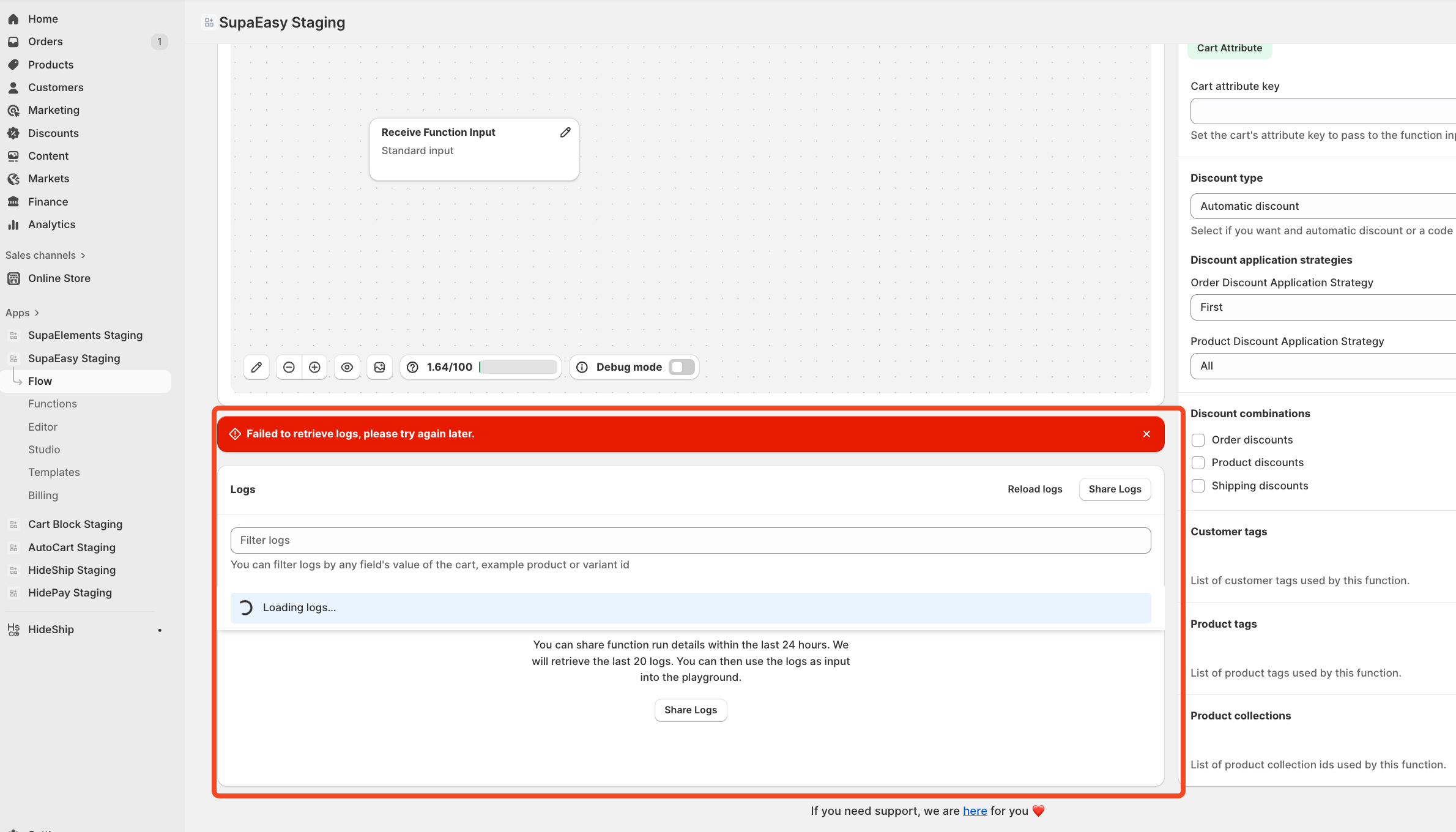
Open the Flow function you want to check.
-
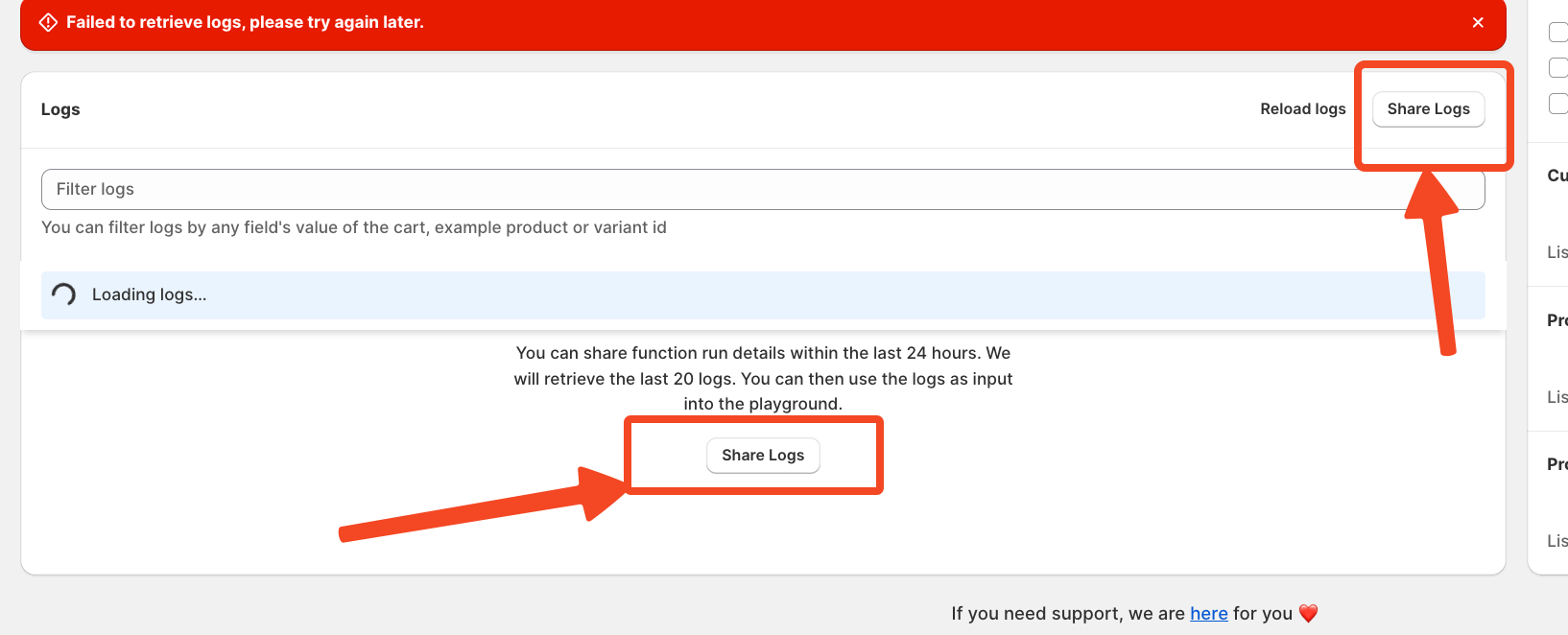
Scroll down below the visual builder to find the “Share Logs” button and click it.
-
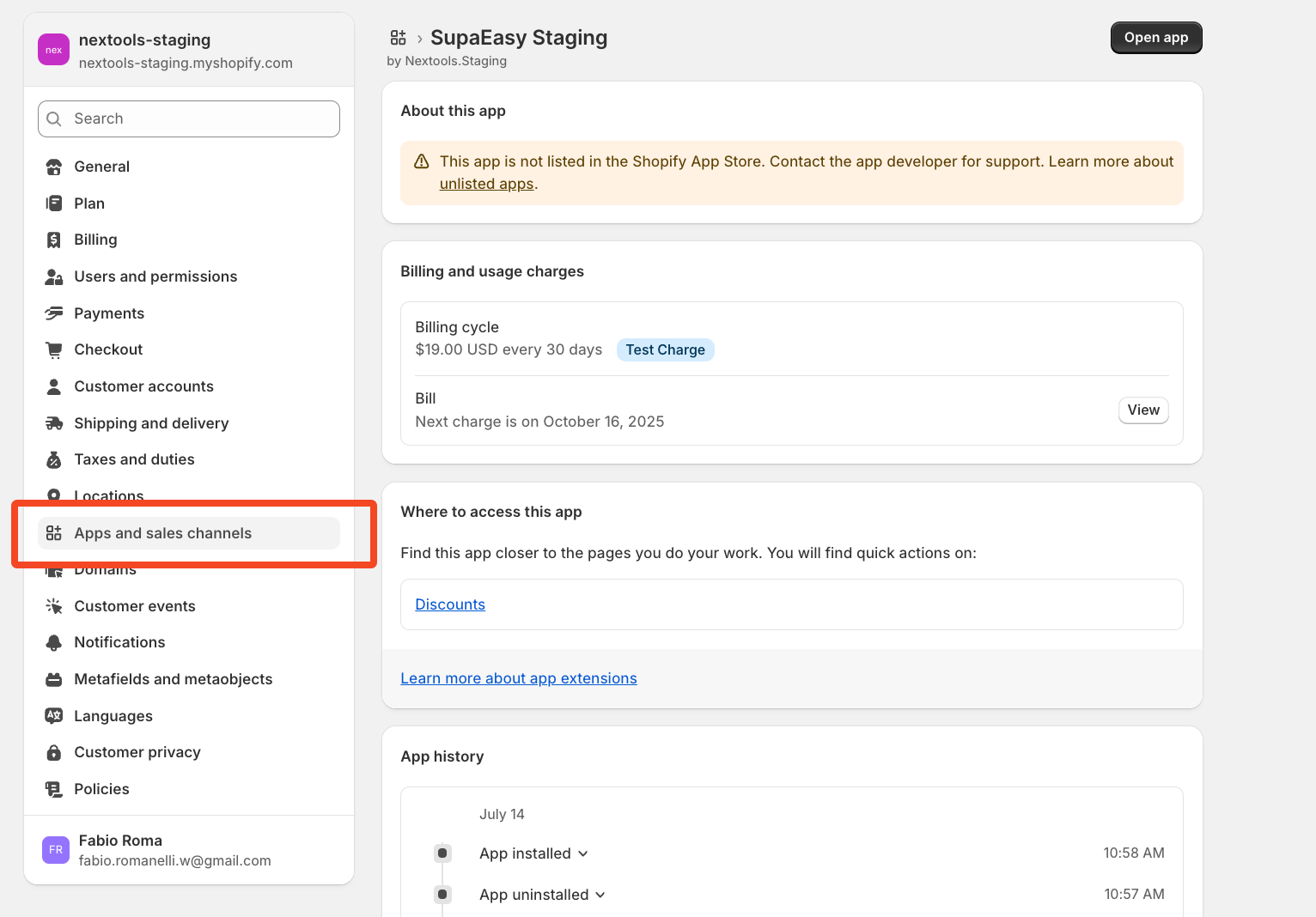
You’ll be redirected to your store’s Settings page.
-
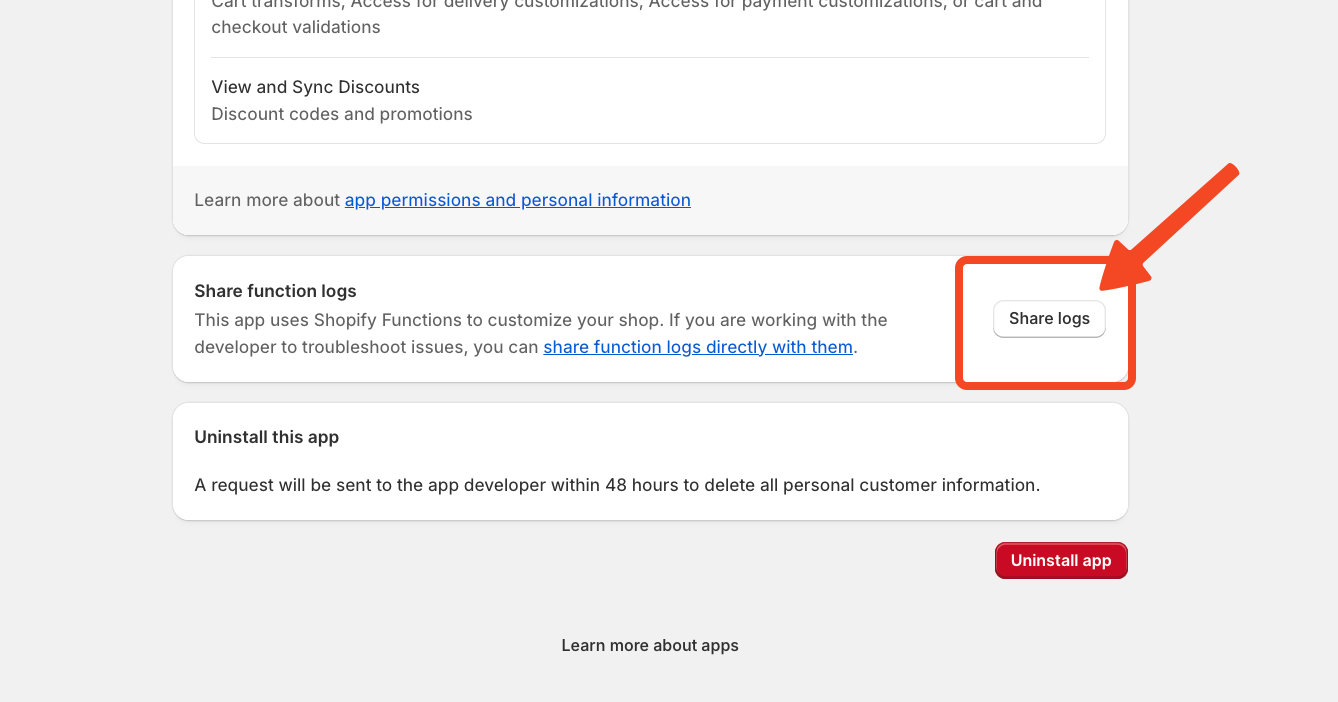
Scroll to the bottom and click the “Share Logs” button again.
-
In the popup window, click “Confirm Share Logs.”
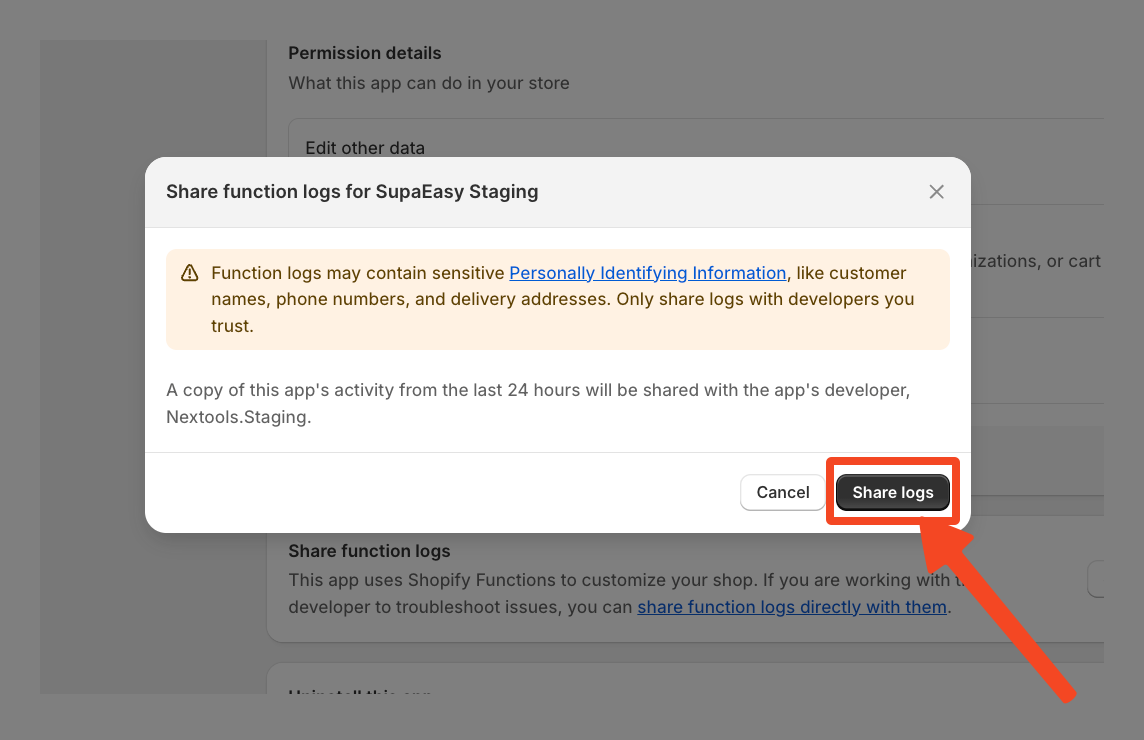
After a few moments, return to the function. In the Logs section under the visual builder, you’ll see the latest logs generated in the past 24 hours, ready for review.
These logs are extremely useful for troubleshooting and retrieving precise field values especially when configuring rules based on payment methods, shipping options, or identifying potential issues.
