
In this tutorial, we’ll guide you through the step-by-step process of adding a gift to the cart based on the cart total using the AutoCart application.
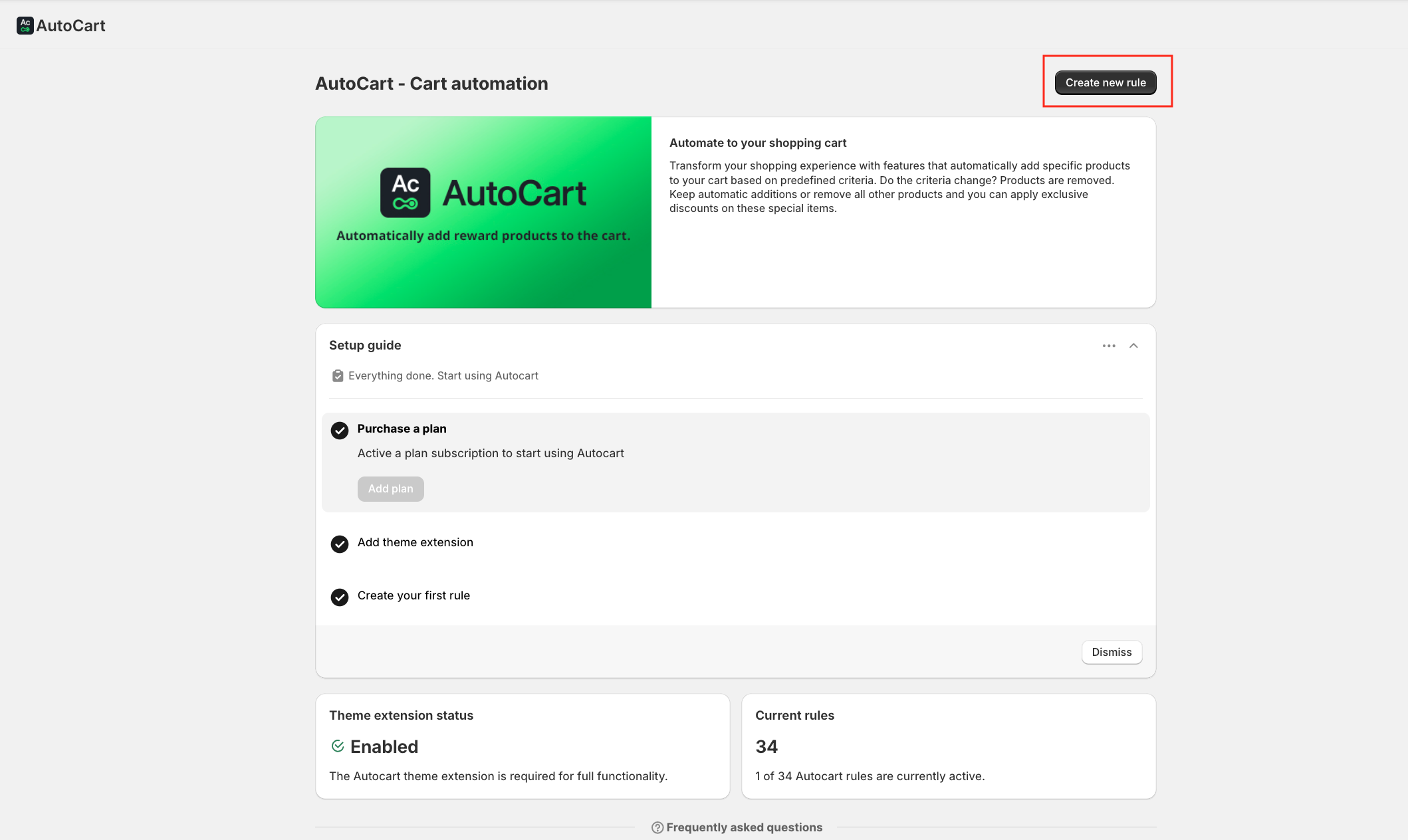
From your AutoCart dashboard, click on Create New Rule in the top-right corner.
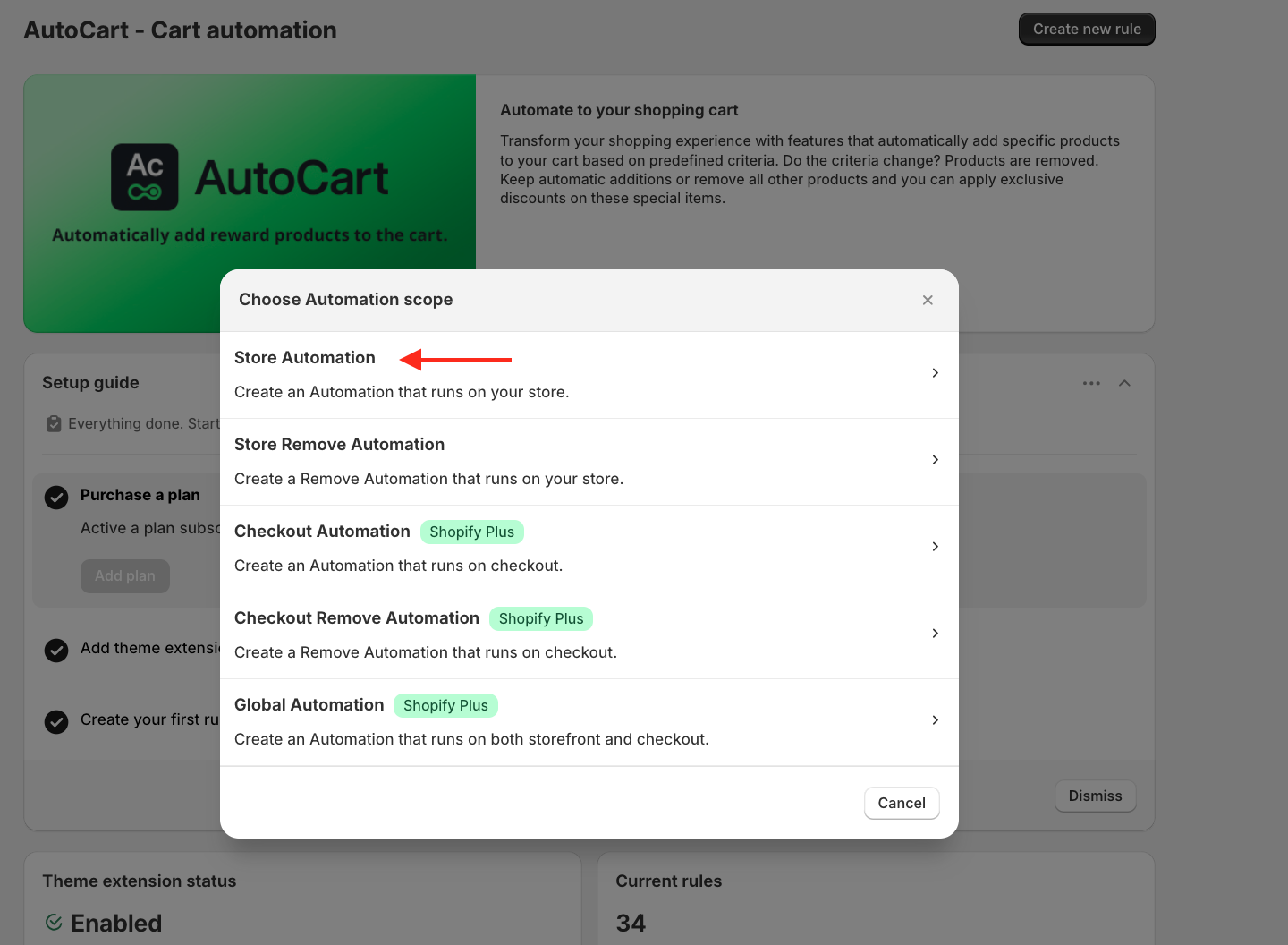
A pop-up window will appear, and Select Store Automation.
At the beginning of the rule setup, add a title. This is for internal reference only and will not appear on your live store.

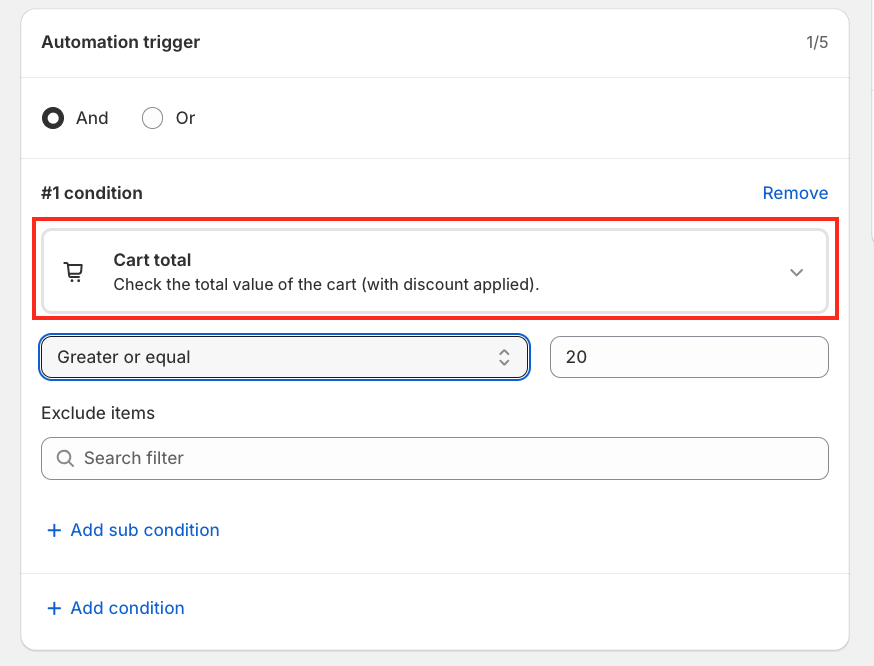
For this tutorial, we’ll set the condition: Cart total is greater than or equal to €20.
Next, select the free gift product you want to offer.
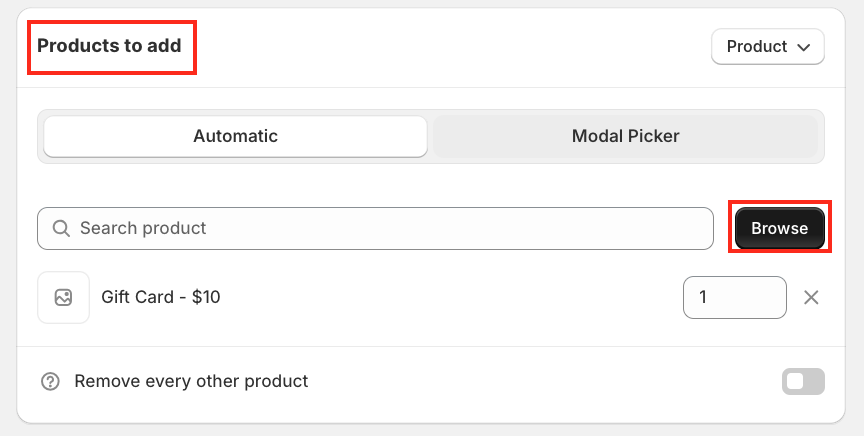
Browse and choose the gift item from your product list.
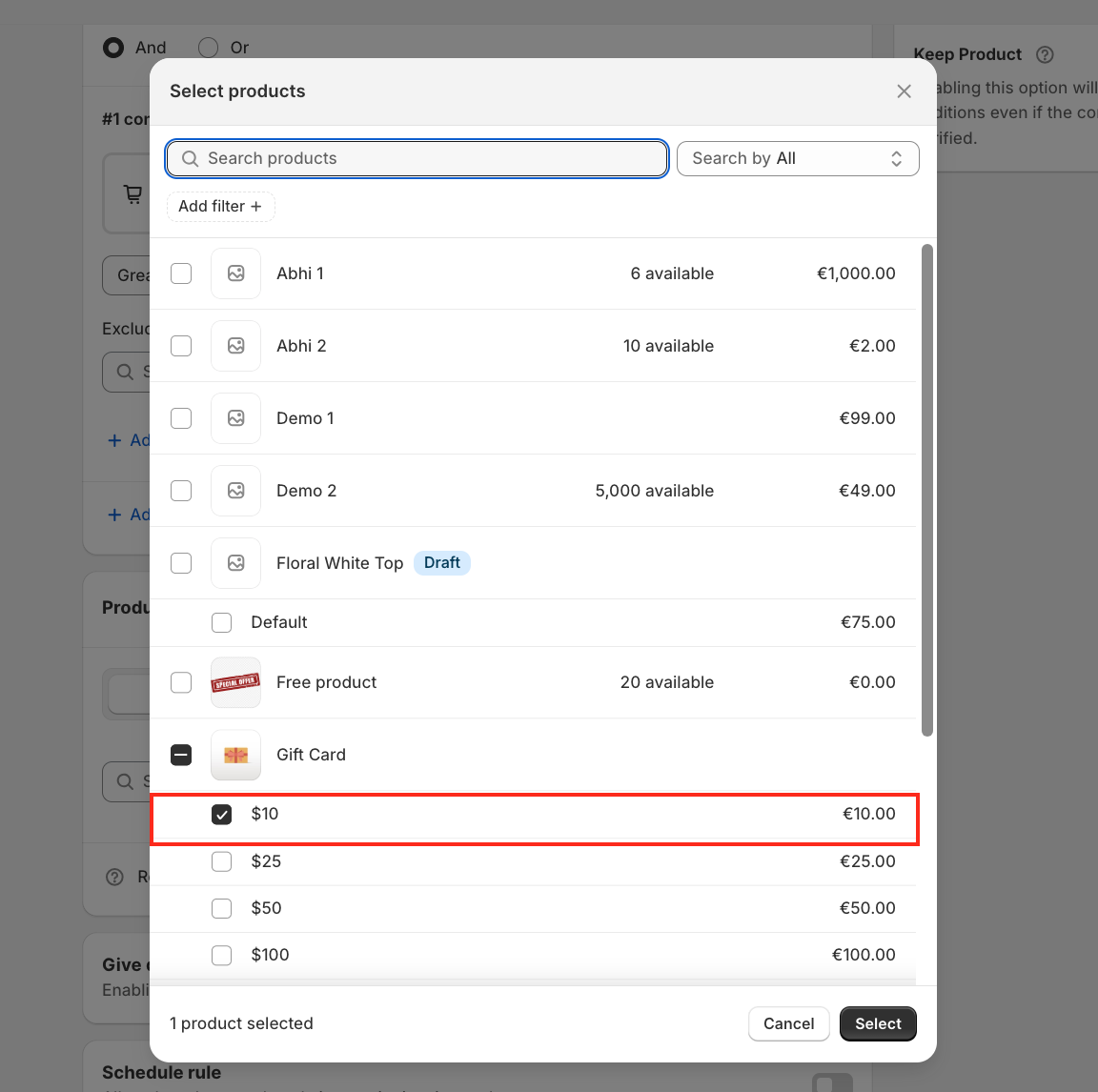
By default, the gift can be added automatically to the cart. However, AutoCart also provides flexibility, allowing customers to choose whether they want to add the free gift or not, instead of adding it automatically.
To enable this option, for the Add Free Gift Button.

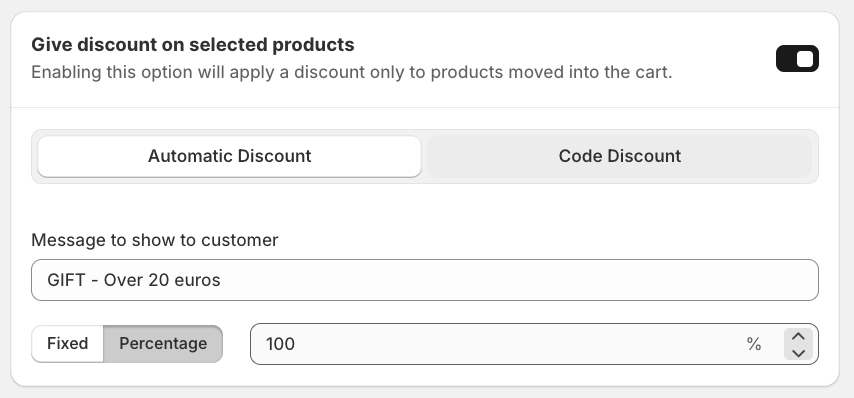
Once the button is enabled, you’ll see the Automatic Discount option.
Add a custom message for your customers and select the discount type: Fixed amount or Percentage.
For this tutorial, we’ll apply a 100% discount, making the gift completely free.
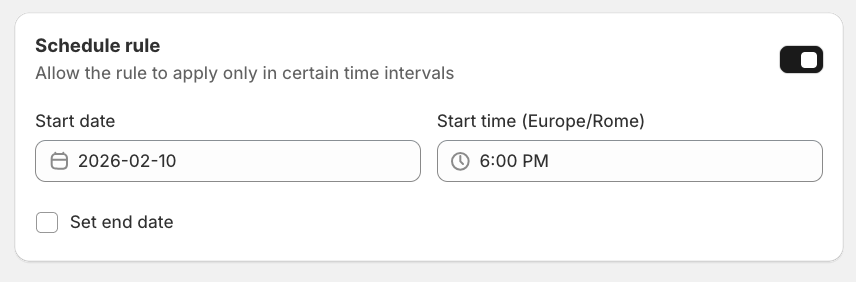
You can also schedule this offer for special days, weekends, or promotions.
Enable the Date and Time condition, then select your desired schedule.

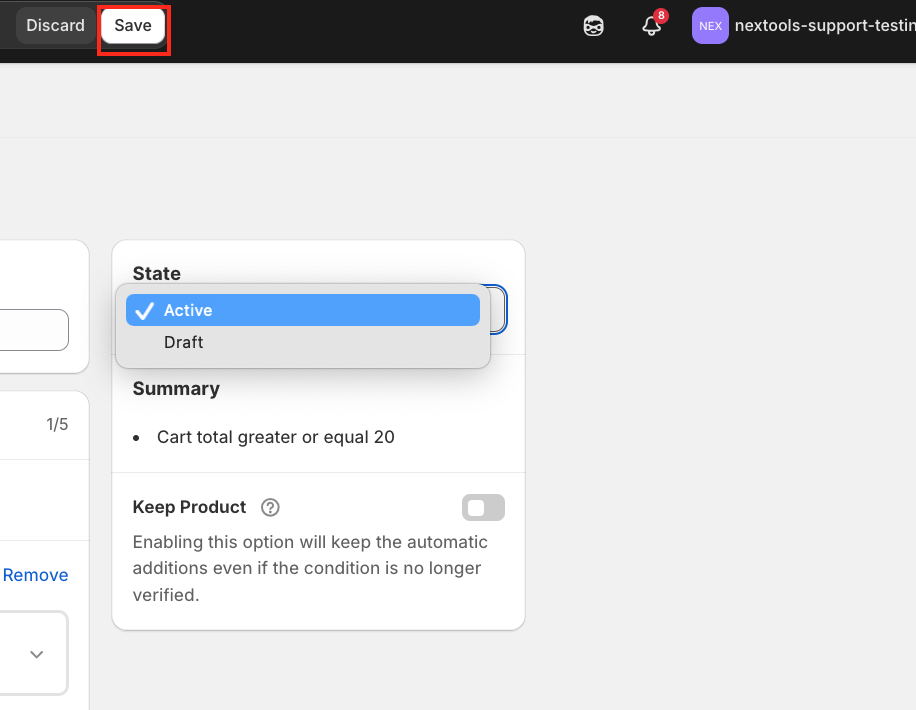
Now, activate the rule and save it.
Before testing on your Shopify store, make sure to enable the App Embed in your theme settings.
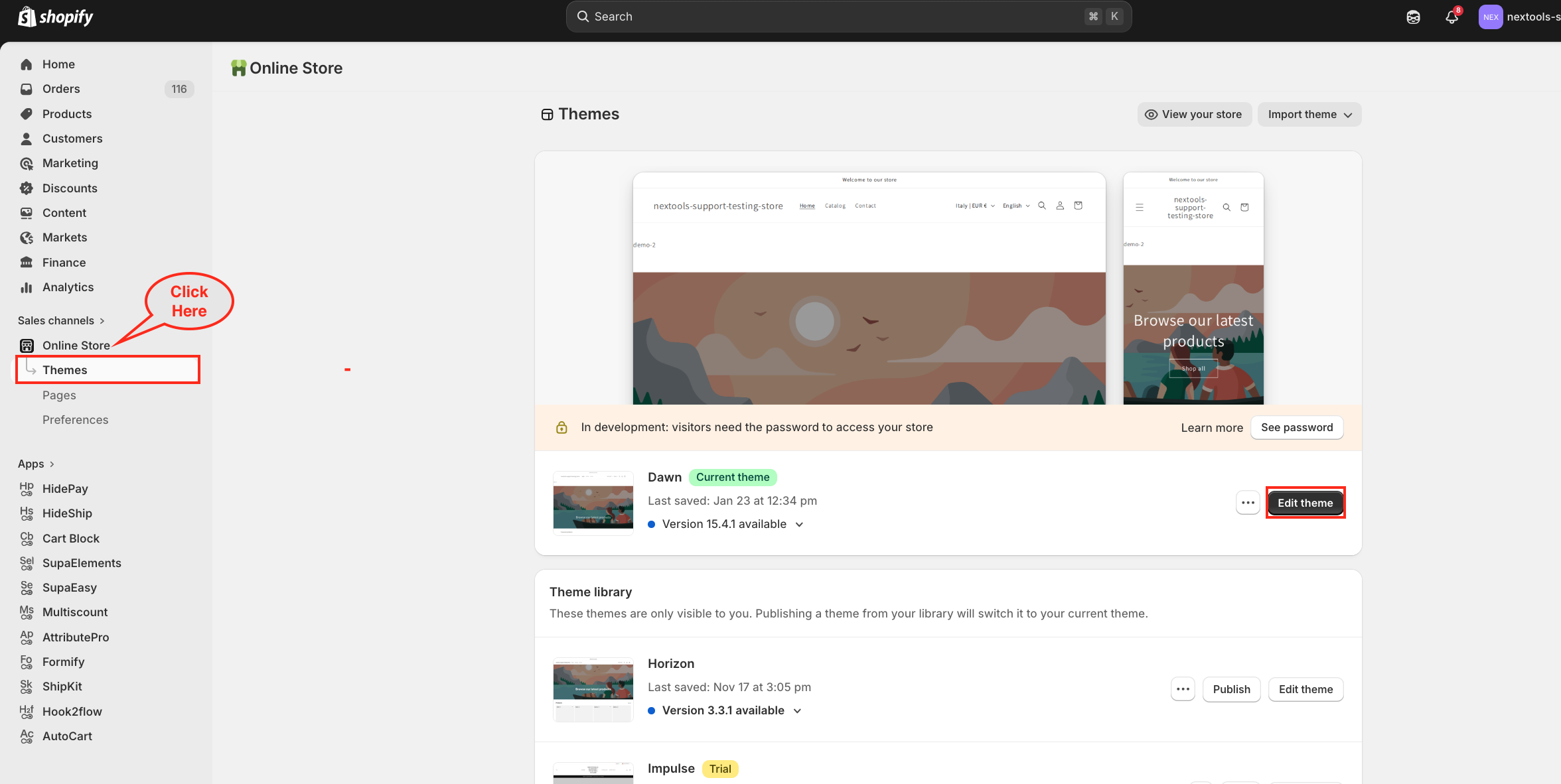
Second Step
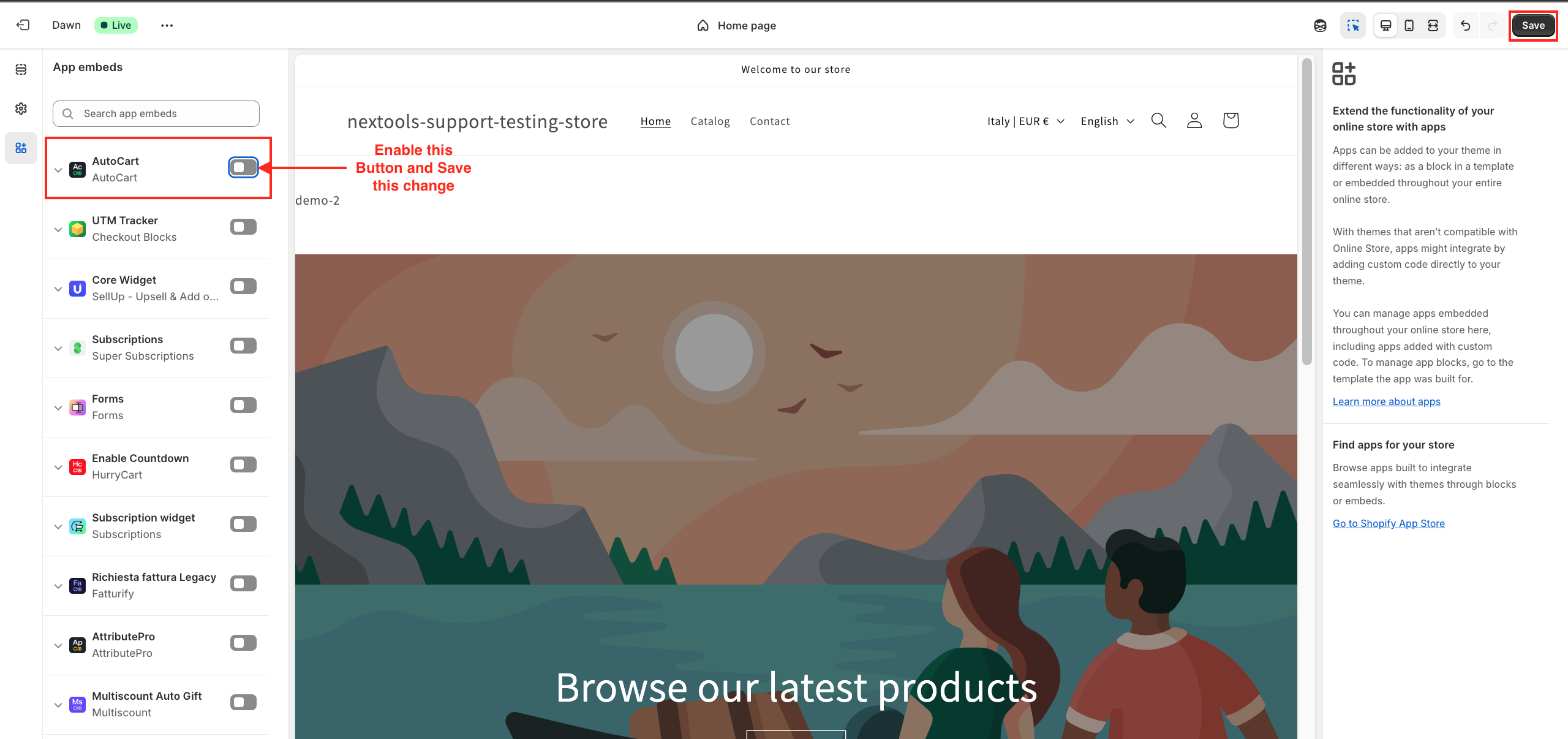
After saving all changes, your setup is complete.
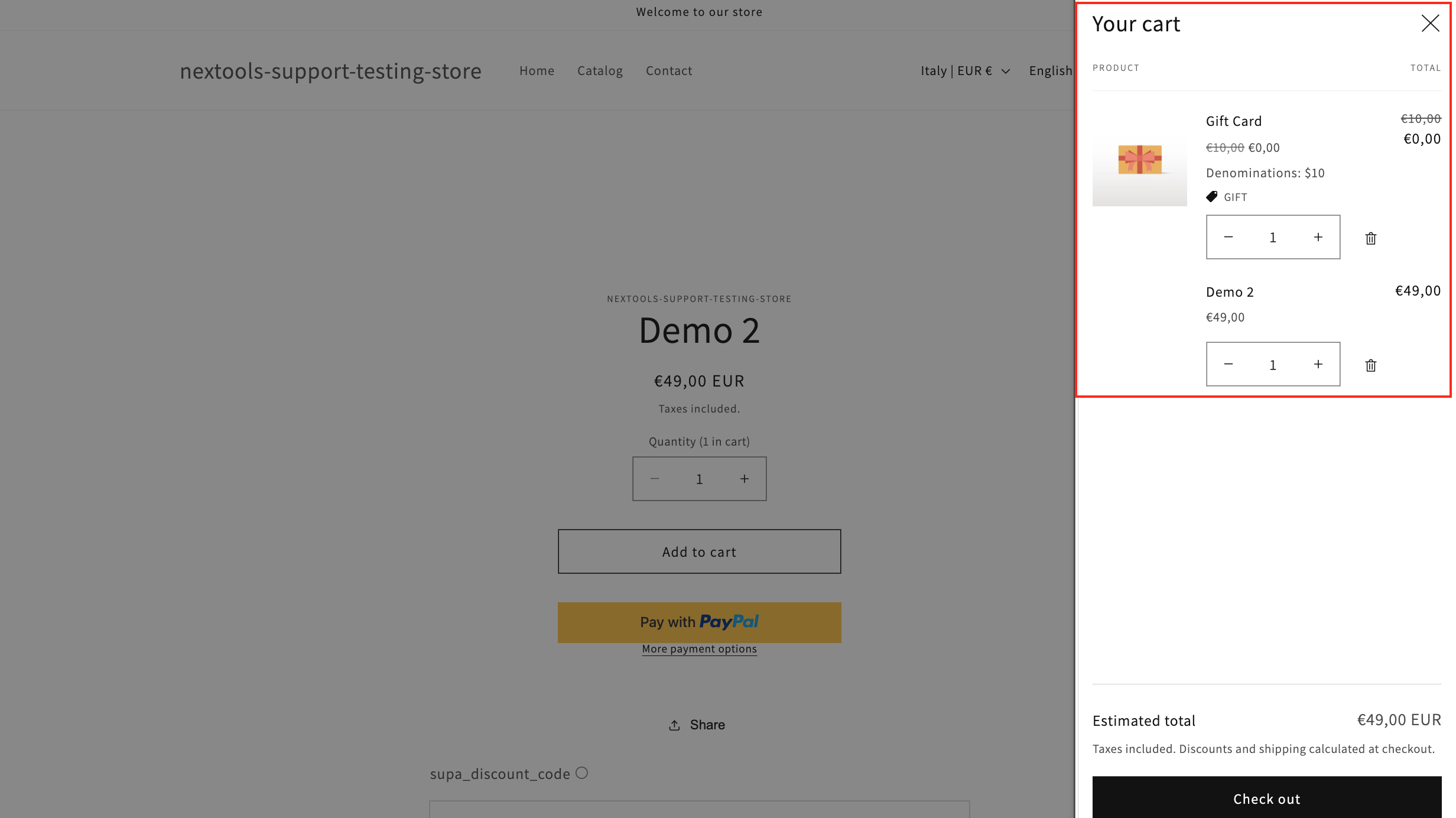
Now, visit your Shopify store and add products worth €20 or more to your cart.
You’ll see the free gift option appear directly on the cart page, based on the rule you created.
This is how the free gift functionality will look on your cart page once everything is configured correctly.
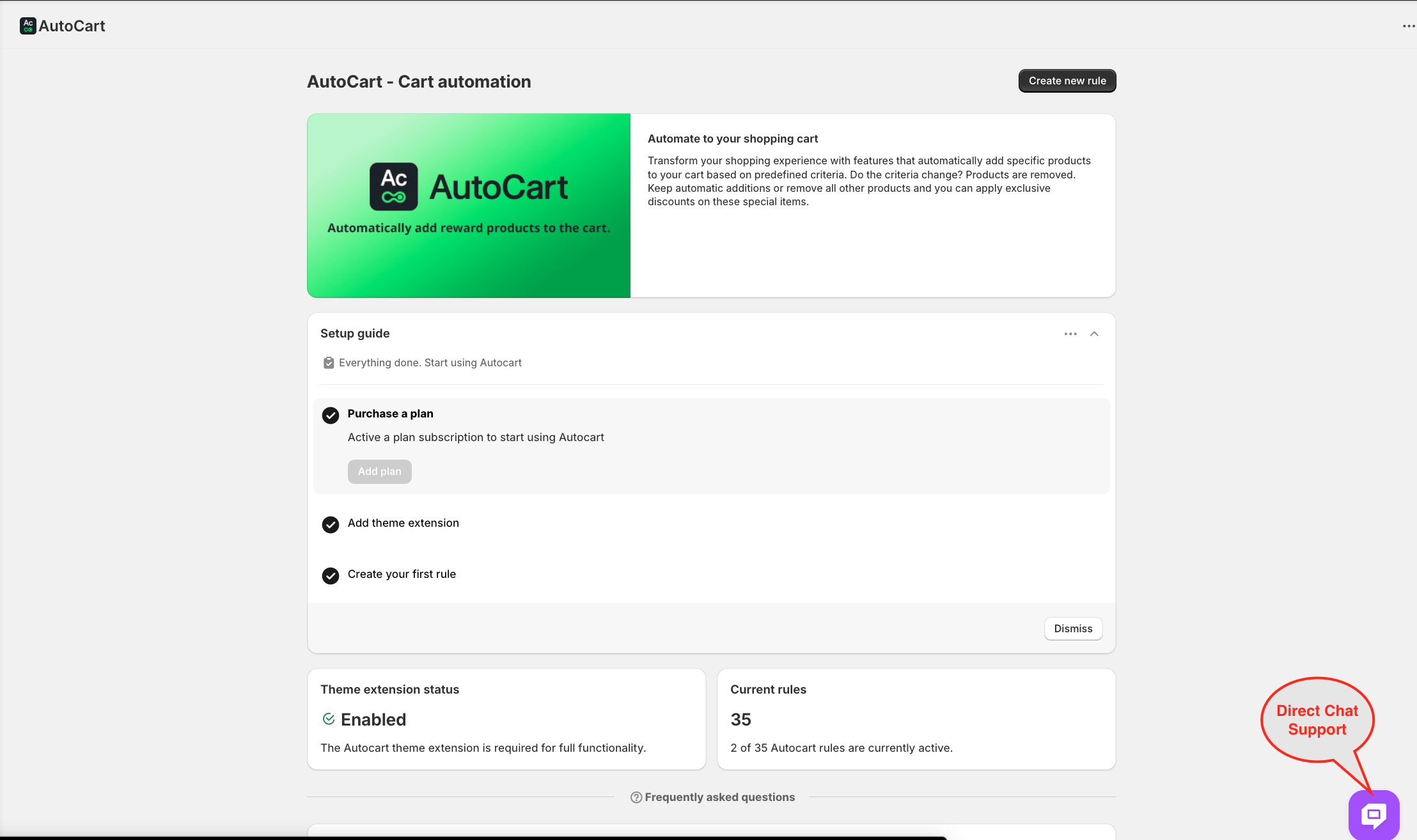
Thank you for choosing and trusting the AutoCart application! 🚀
