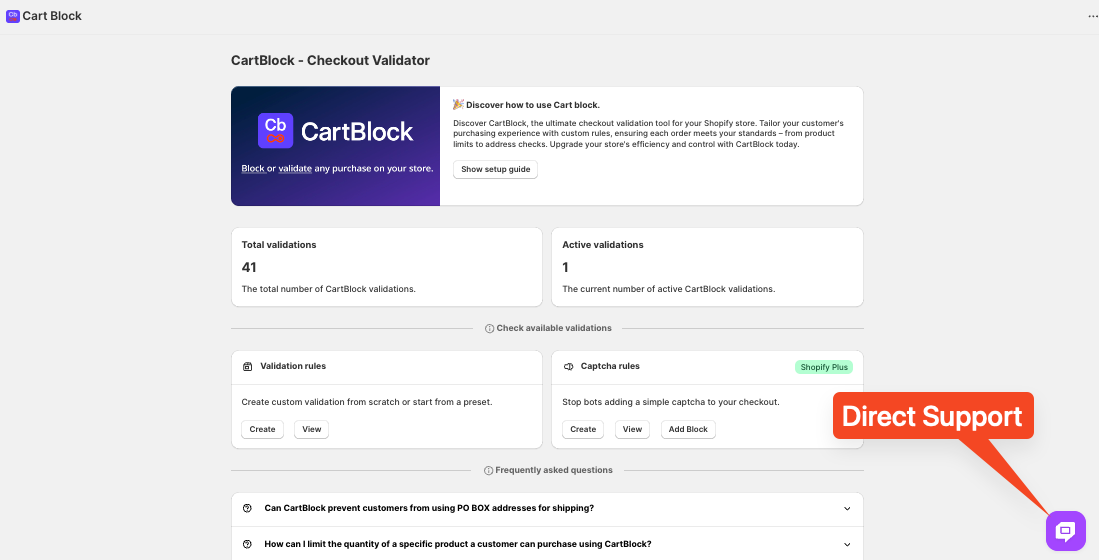
In this tutorial, we’ll walk you through how to stop customers with Multiple Checkout Fields Validator using the CartBlock
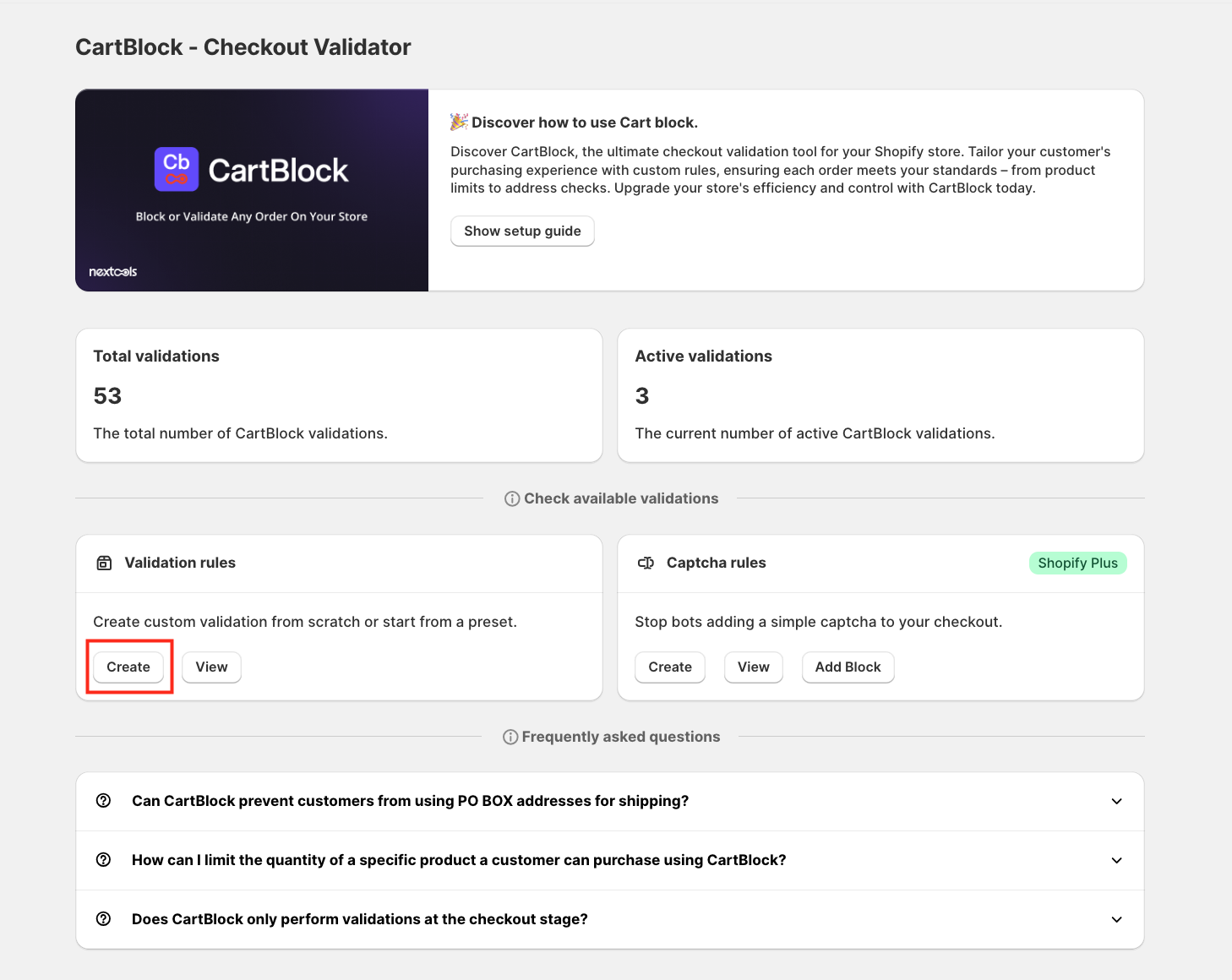
To begin, click on the "Create button under Validation Rules.
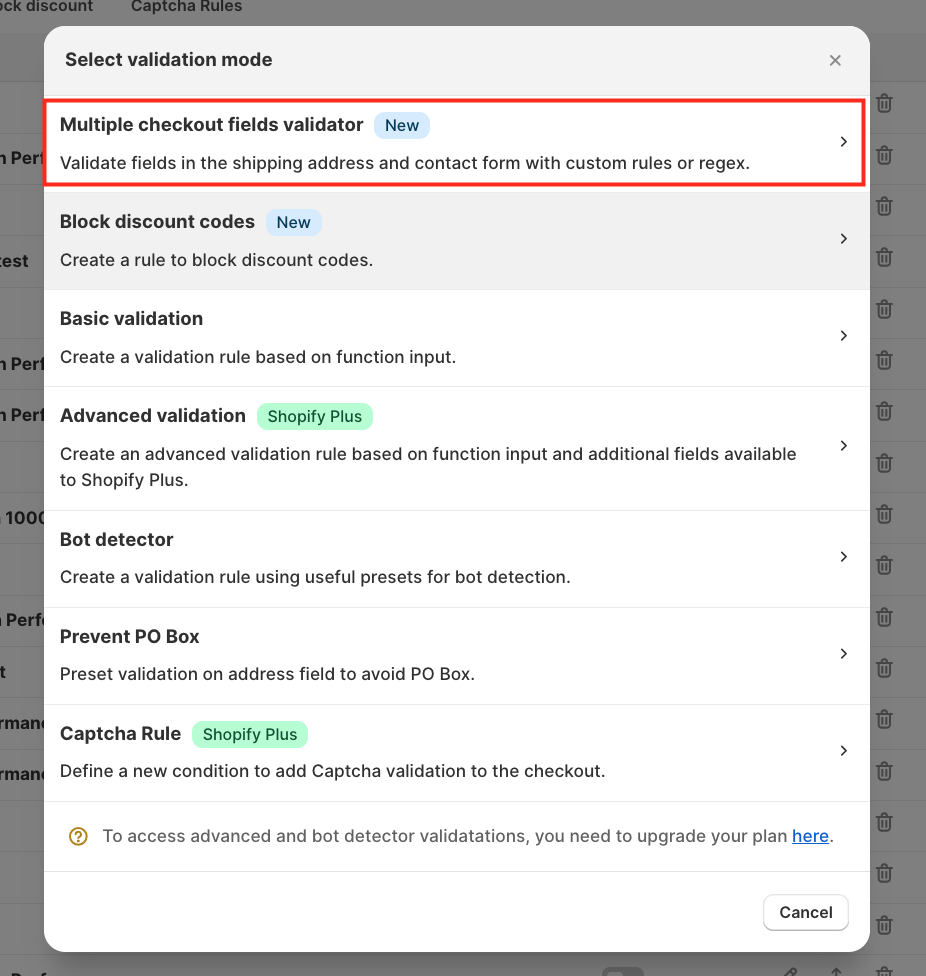
This action will open a modal where you can select the type of validation. For this tutorial, we will proceed with the multiple checkout fields validator.
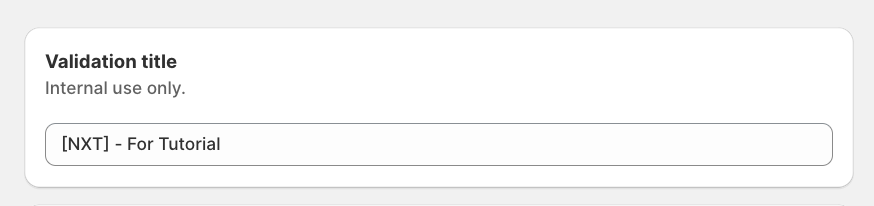
The first step is to assign a Validation title.
This title is for internal reference only and will help you manage your rules more efficiently.
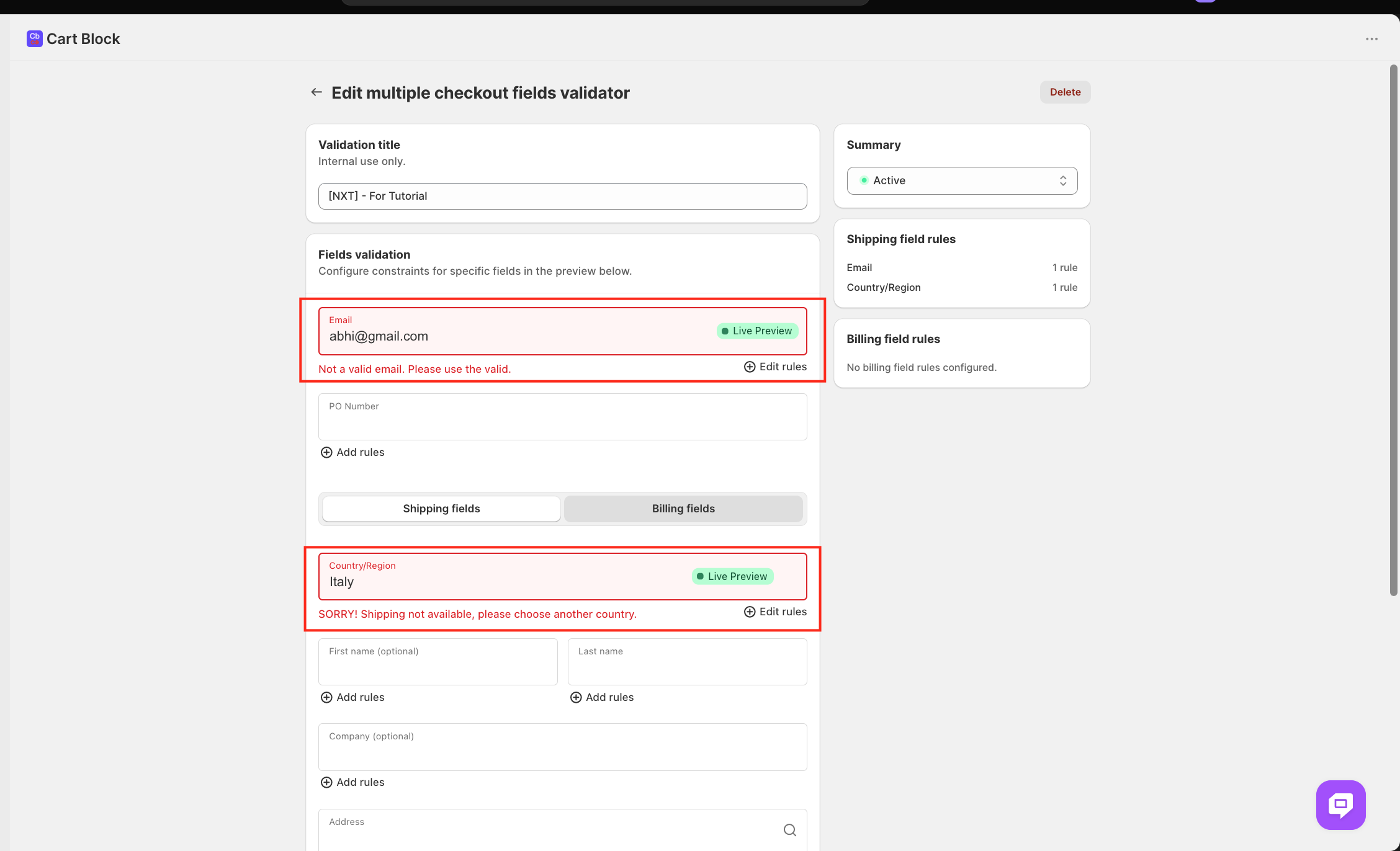
For the first validation, we are using "Email" Field Validation Rules
Navigate to the Email field section and click Add rules. A sidebar will appear. Click Set rules to open the email rules modal.
Enter an email address, such as abhi@gmail.com (for tutorial purposes), that you want to restrict.
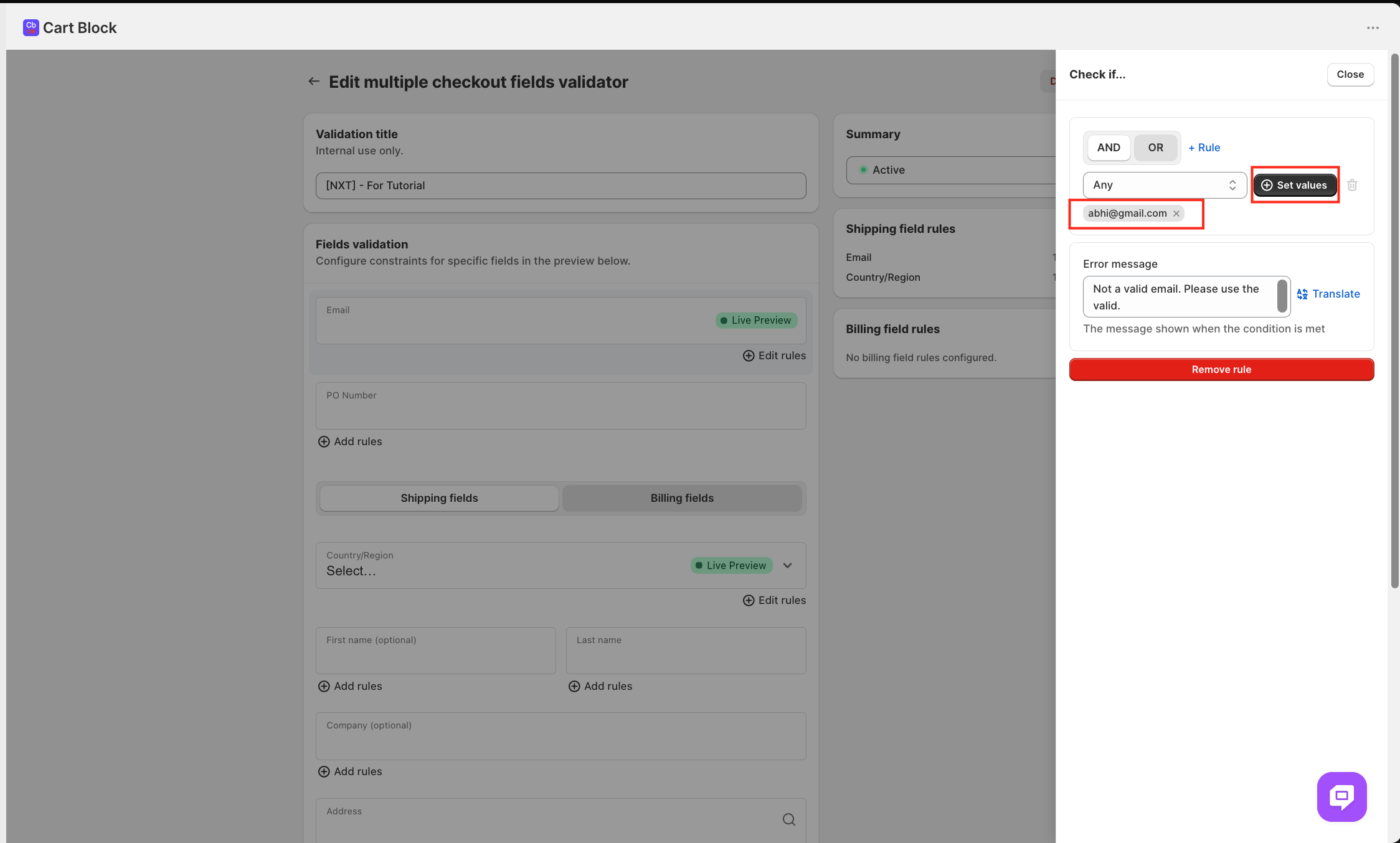
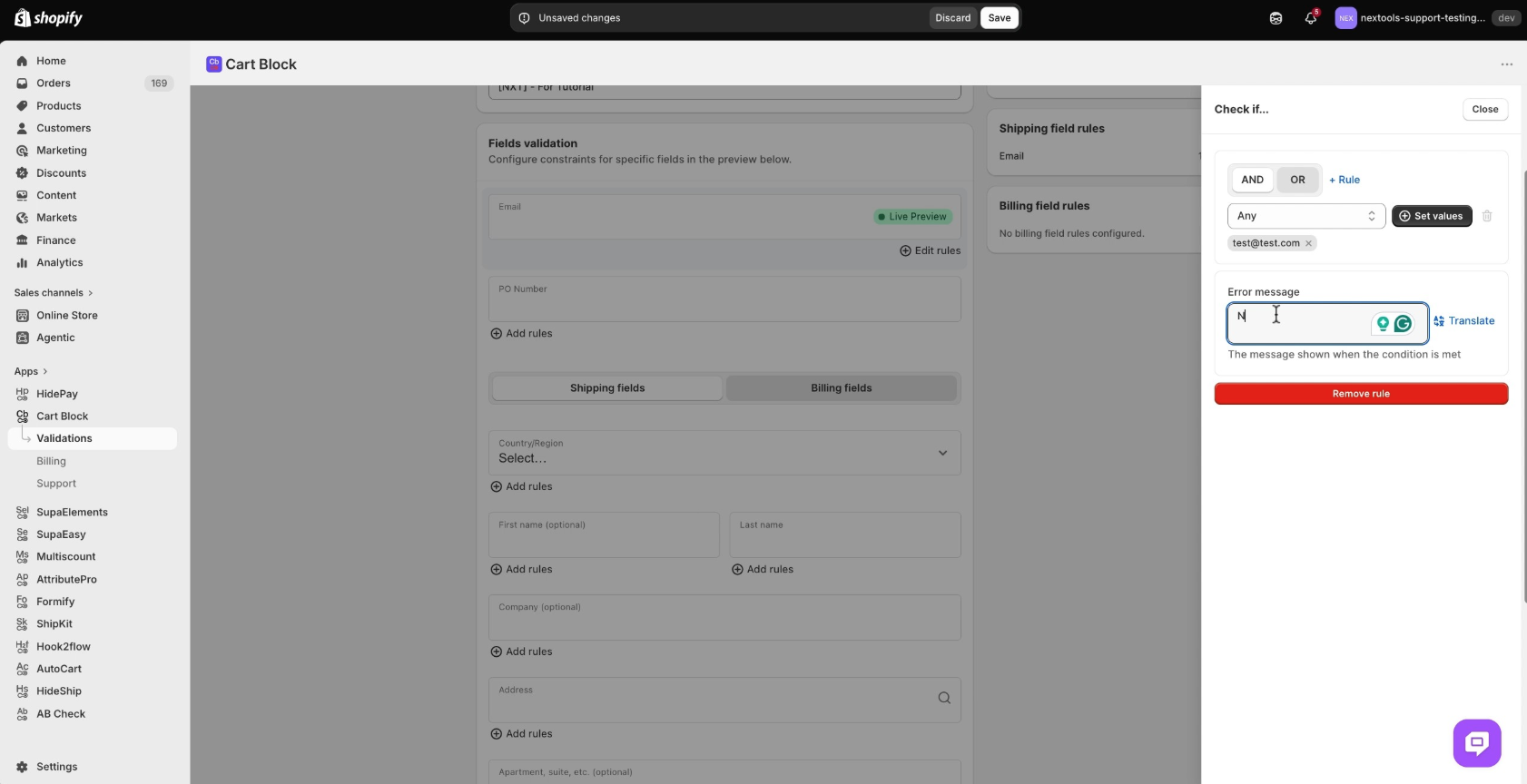
Customise the Email Error Message
In the Error message input field, remove any default text and enter a clear message like "Not a valid email. Please use a valid email." This message guides users in correcting their input.
Since we are using the multiple checkout field validator. For the second example, we will use the country or region field rules.
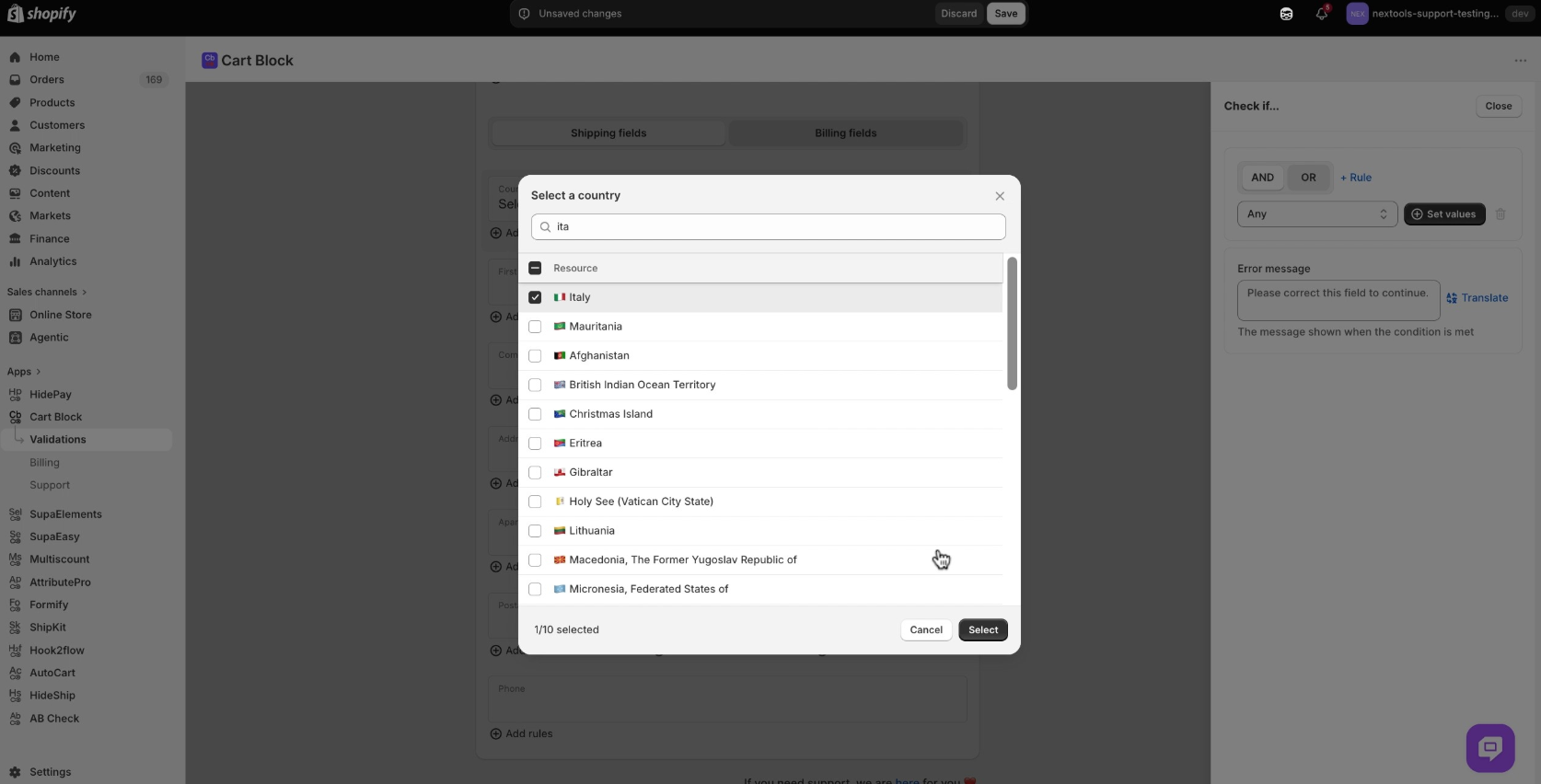
Scroll to the Country/Region field and click Add rules. In the sidebar, click Set rules to open the country selection modal. Use the search bar to find and select "Italy," then click Save to apply these rules.
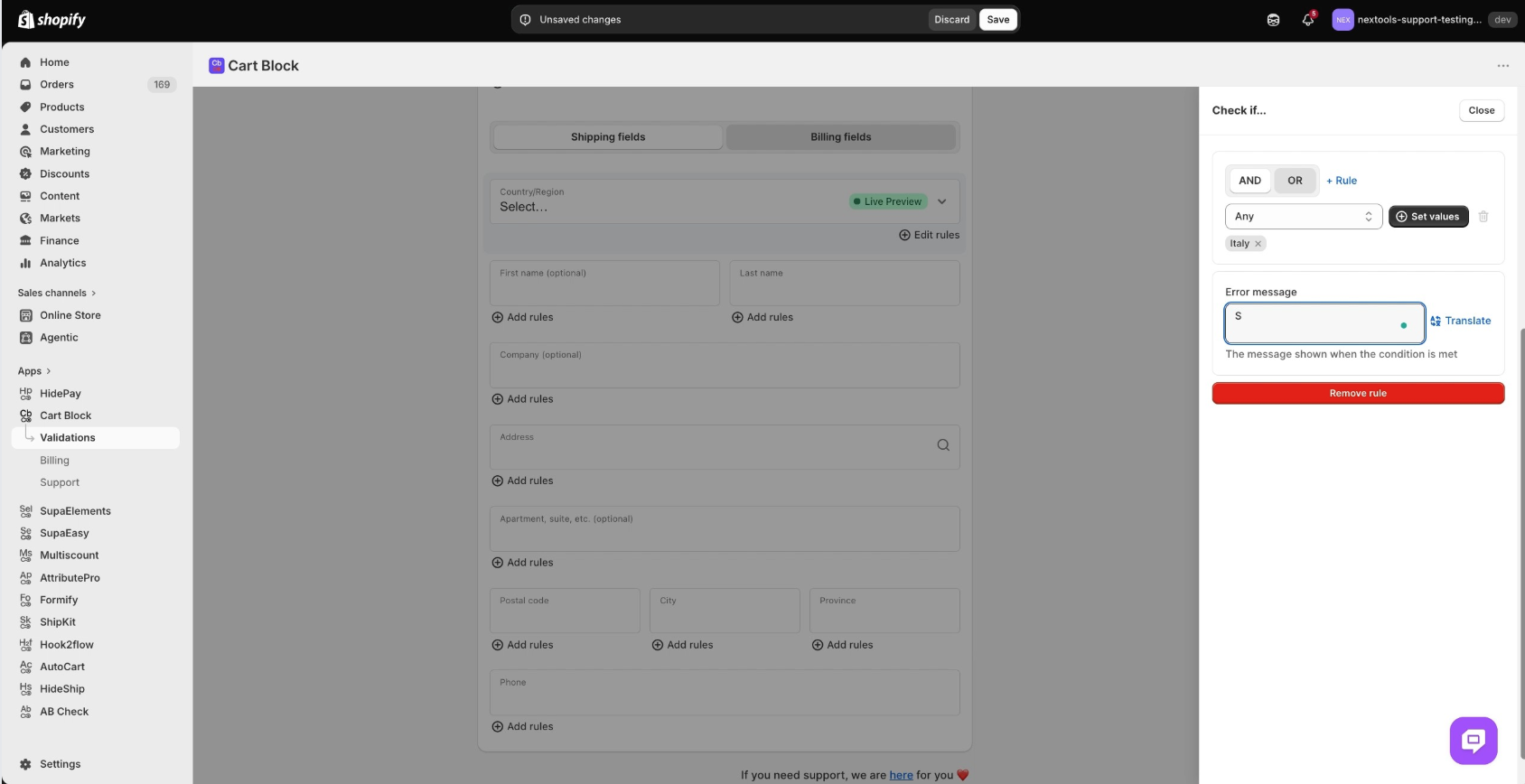
Provide a Country Error Message
Enter a specific error message like "SORRY! Shipping not available, please choose another country." This informs users if their selected country is unsupported.
Save Your Validation Rules
After defining your rules, click the Save button in the top right corner. A notification confirming "Rule created" will appear, and the page will switch to an edit view.
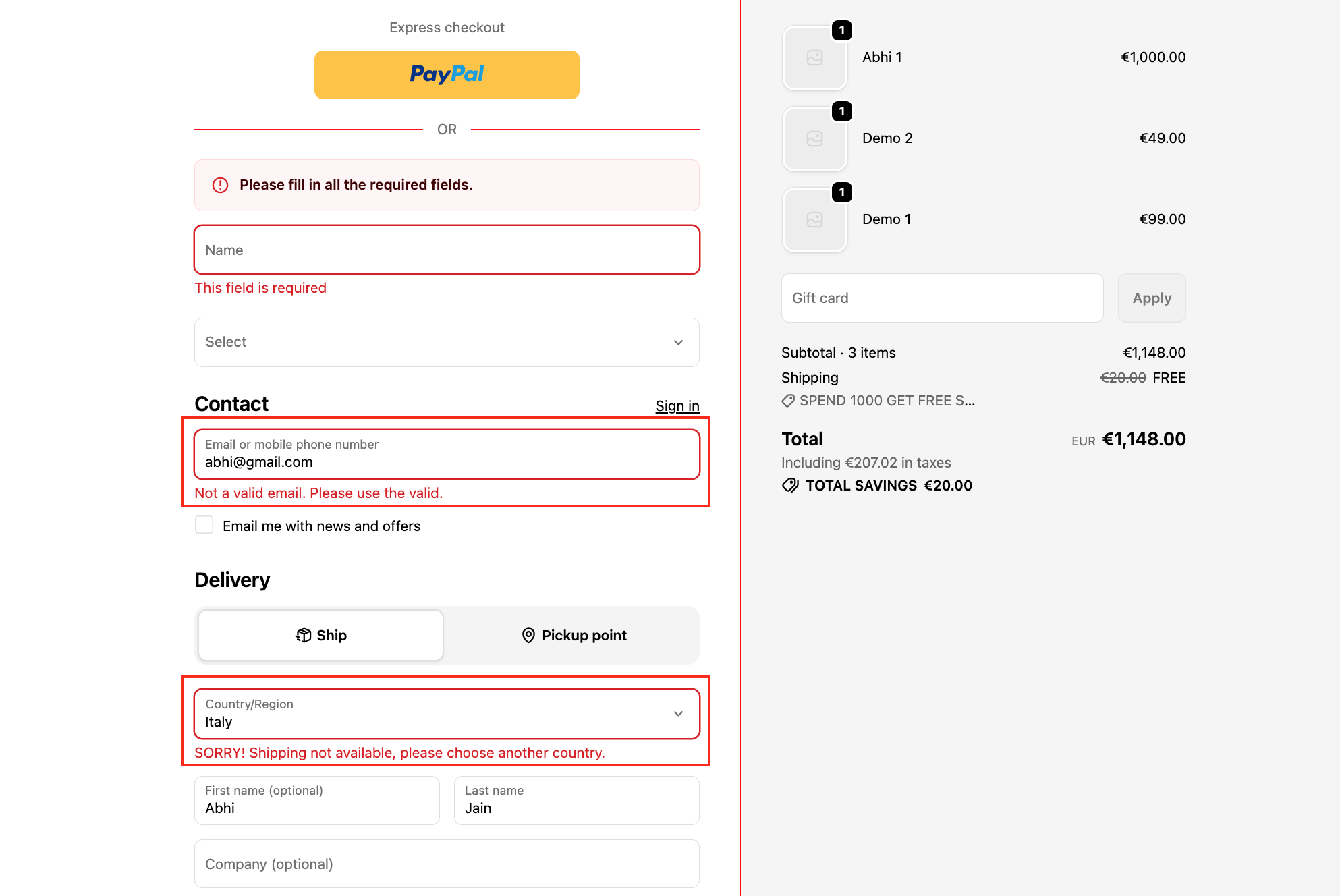
This is how the functionality will work on the checkout of your store.
Activate any plan today and enjoy a 7-day free trial to explore all the features risk-free.
If you need further assistance, feel free to contact us via support email or connect with us directly through HelpCrunch