
To install the Hook2Flow you need to reach the Shopify app store, look for Hook2Flow and open the app or click on this link
https://apps.shopify.com/hook2flow
In the App page click on the Install button
When you click install you will be redirect on your store and the app will be installed in your store.
To activate the app you now need to subscribe the plan.
Go in the Billing Section and subscribe the Premium Plan of 9.99$.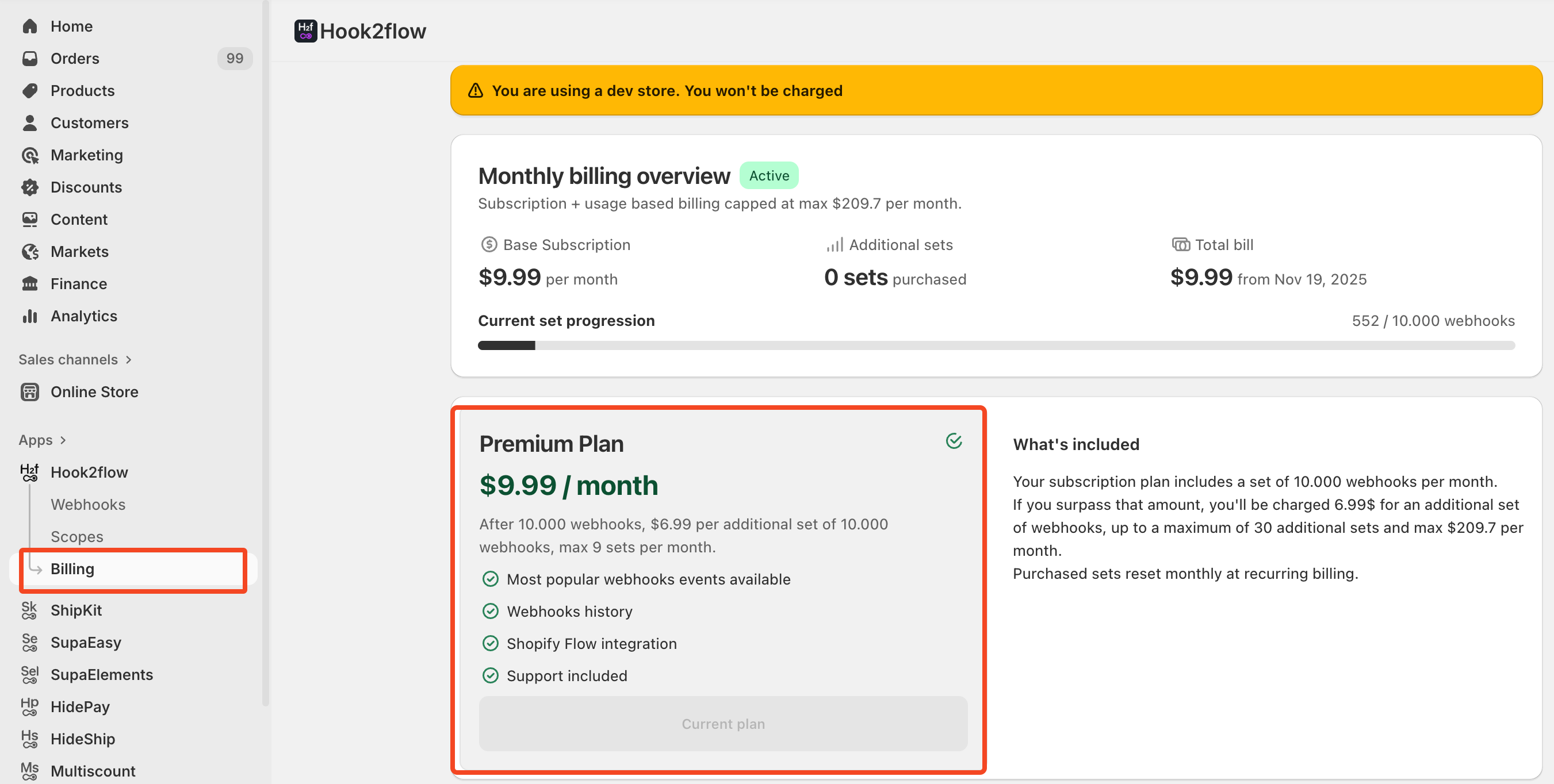
This plan include a set of 10.000 webhooks per month, each month it renew automatically with the all 10.000 webhooks.
If you surpass the initial amount of webhooks, you'll be charged 6.99$ for every additional set of webhooks, up to a maximum of 30 additional sets \ MAX 300.000 Webhooks - $209.7
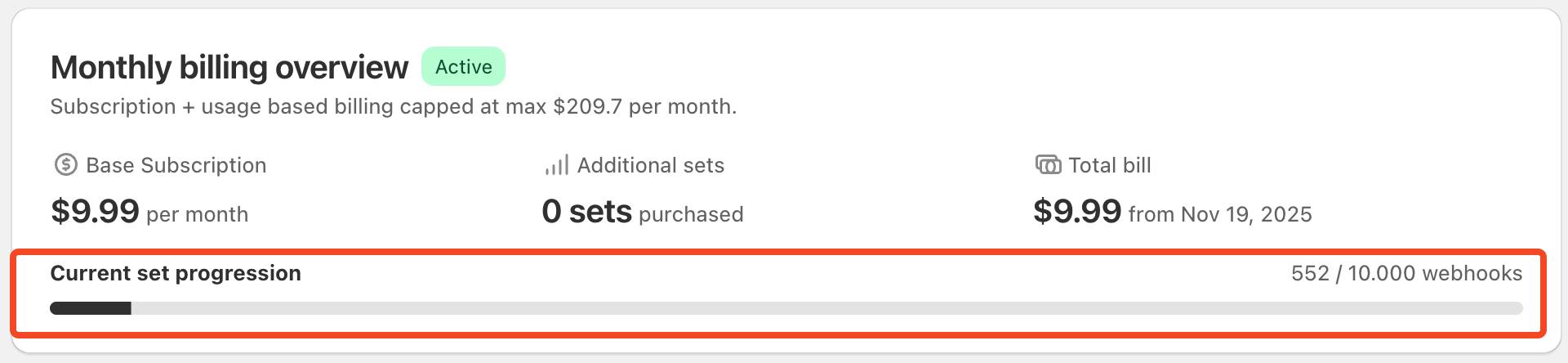
Now that you have subscribed the plan you are ready to go and activate the webhook you need for your flow.
