
With the Advanced plan comes a more easy way to manage the customer experience with a FrontEnd widget easy and quick to use
Now you can access the Customization of the frontend with a direct button in the dashboard that links you immediately to the settings page.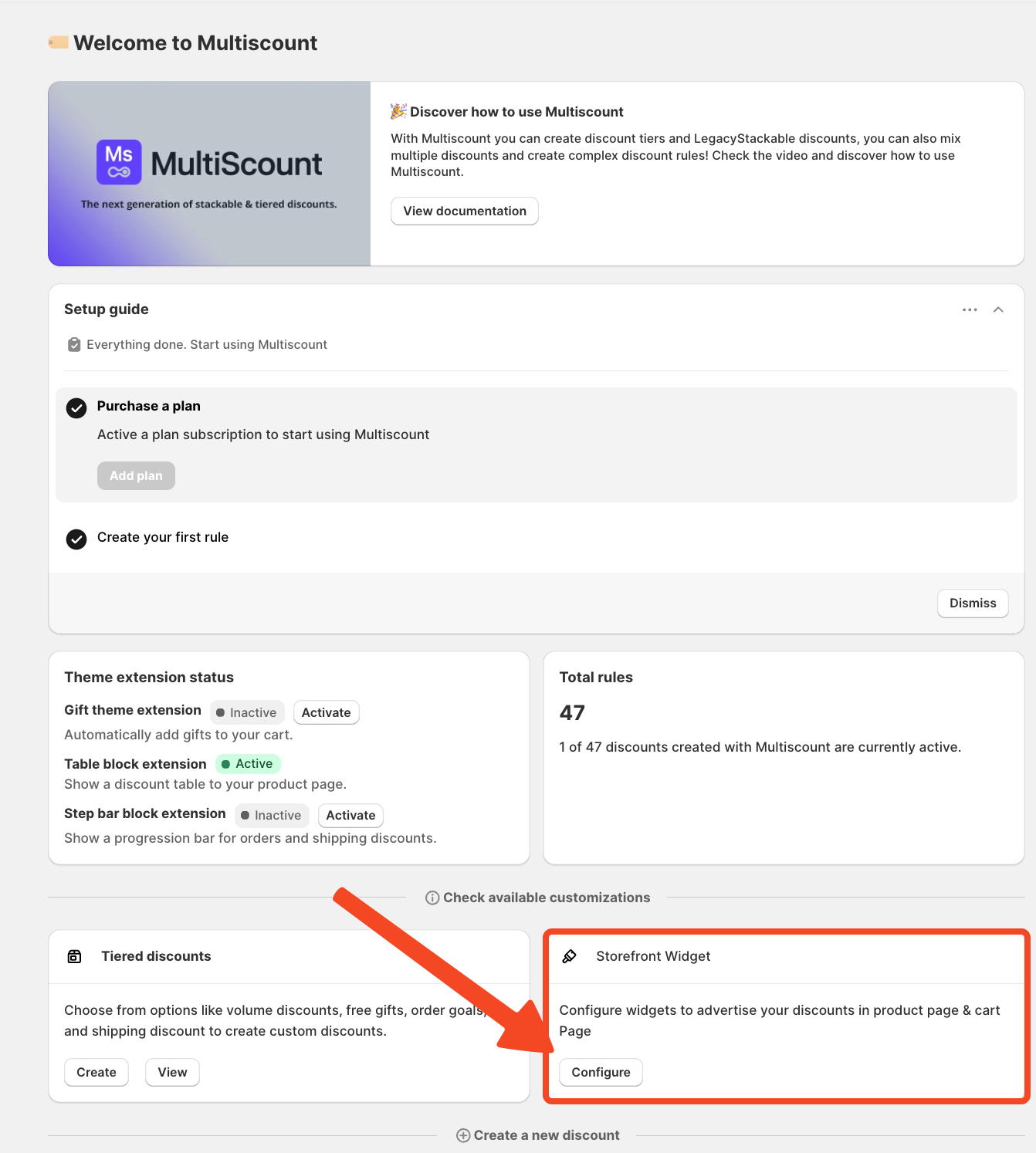
By clicking on our app icon on the left menu you will have access to a new control panel on the right that gives you more control on the frontend aspect of your discounts with many settings to personalize.
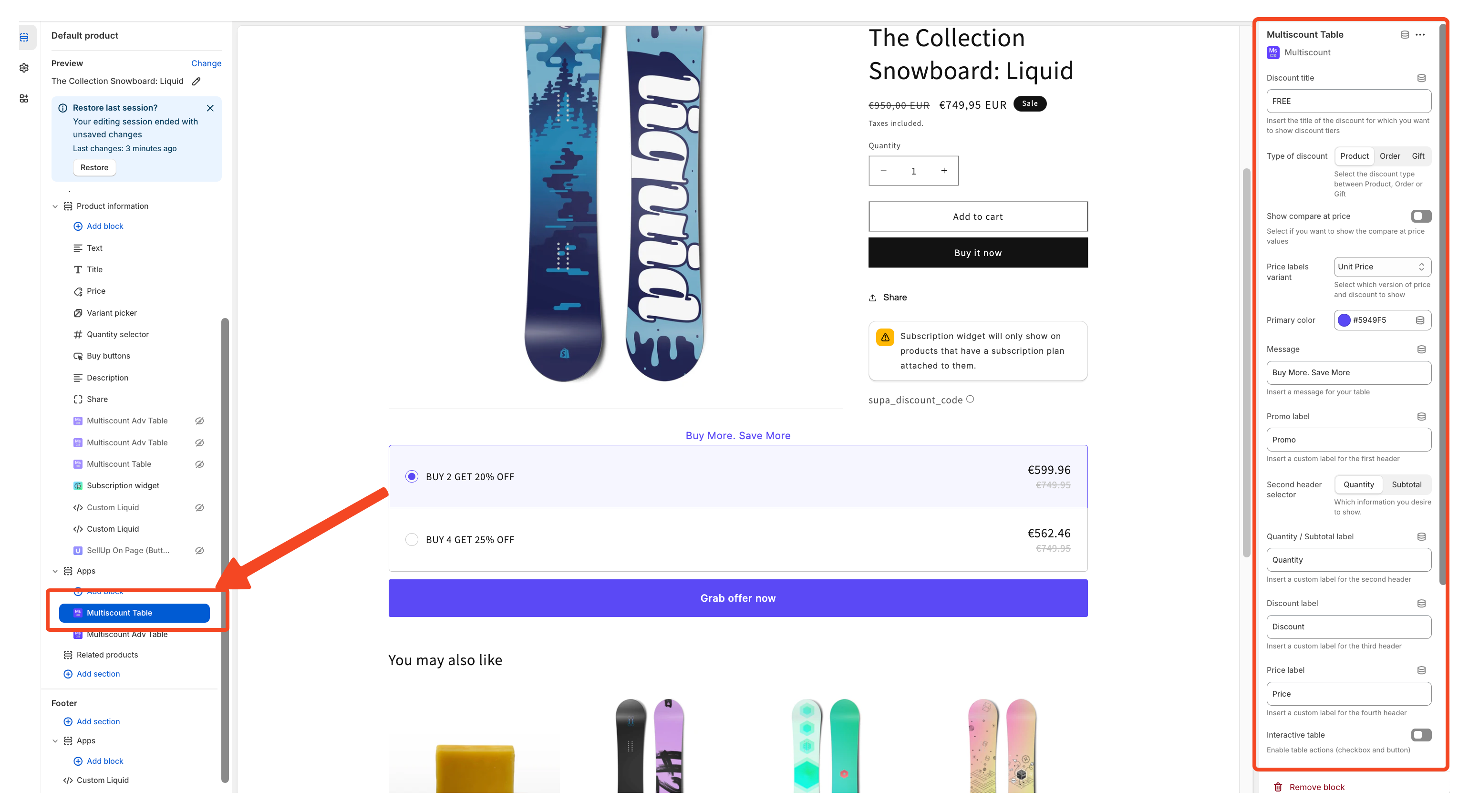
As you can see in the right panel now is possible to change directly the title of the discount.
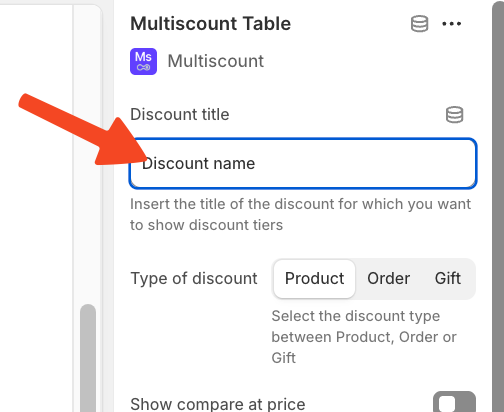
Now you have a list of fields to use for customize your discount on the store as you prefer.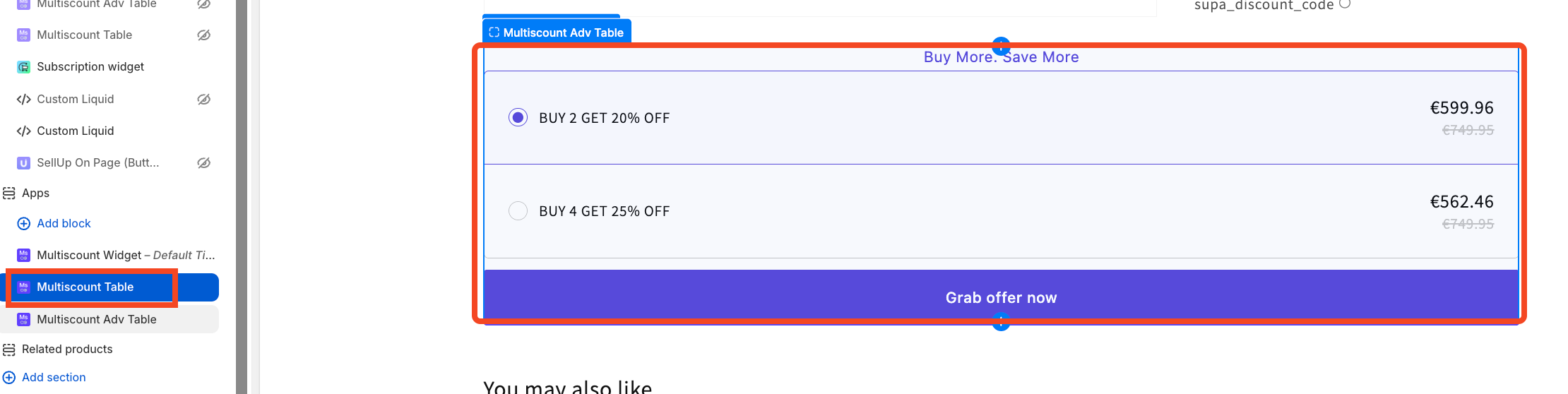
With the Advanced Plan you will be able to use the Multiscount Adv Table that will show on your store like a this and will offer you some more customization.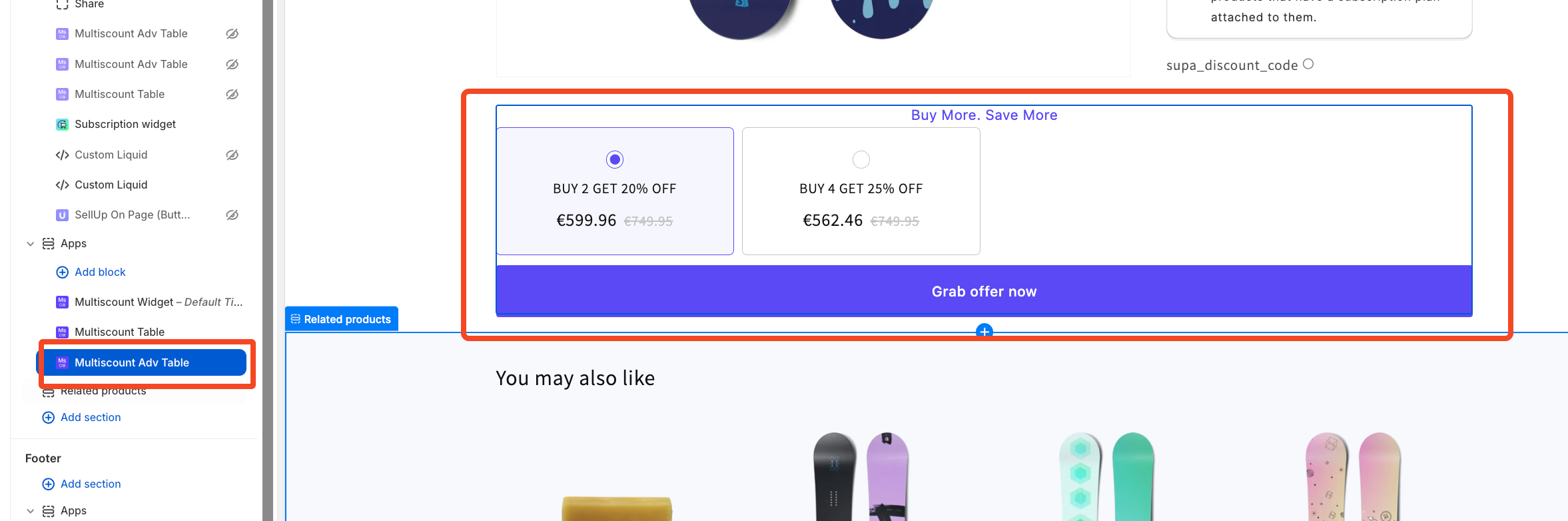
You can try all these features with our 7-day free trial available for all of our plans, just pick one and activate it.
Remember if you want to change the position of the button you can easily do it with a simple drag-and-drop
