
Once ABCheck is installed and the extension is activated, you are ready to create your first A/B experiment. This guide walks you through creating a simple experiment that tests Credit Card against Cash on Delivery.
Step 1 – Open the Experiment Creator
From the ABCheck dashboard, click the button to create a new experiment. You will see a form where you can configure all aspects of the test.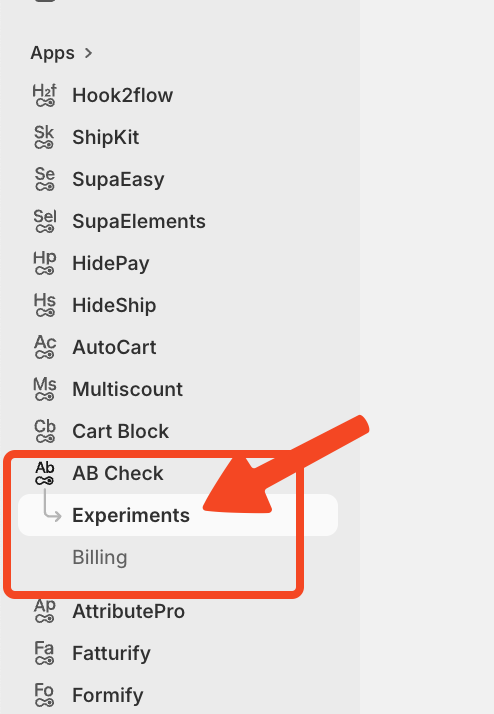
Step 2 – Add a Title and Description
Give your experiment a clear, recognizable name. For example: 'Credit Card vs Cash on Delivery – June'. Adding a short description helps you remember the purpose of the test when reviewing results later.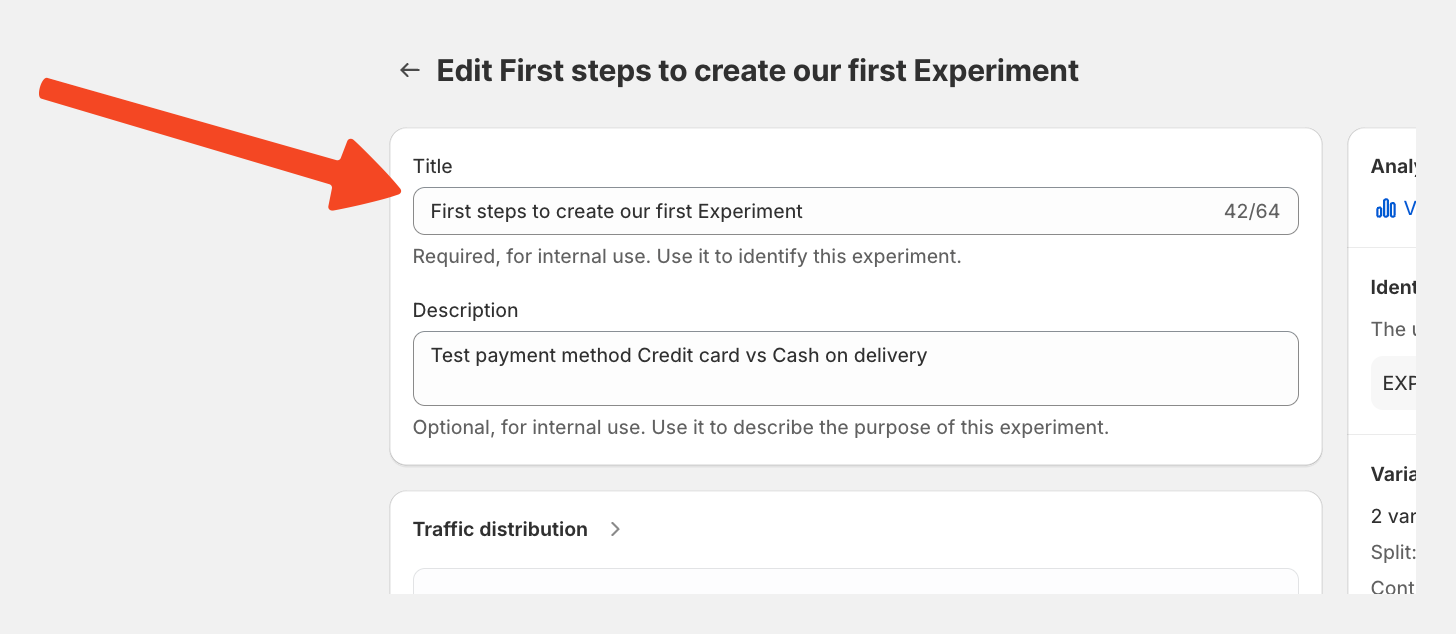
Step 3 – Select a Success Metric
ABCheck supports two success metrics:
-
Checkout Conversion – measures how many sessions that entered the checkout actually completed an order
-
Average Order Value (AOV) – measures the average value of completed orders per variation
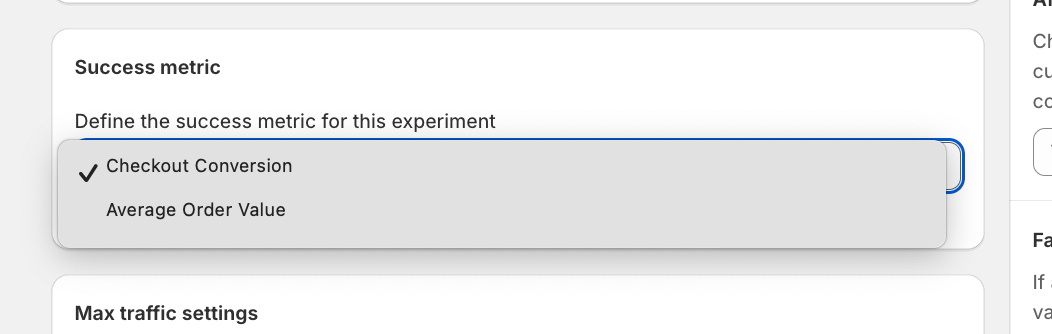 For most merchants starting out, Checkout Conversion is the recommended metric, as it directly measures whether a payment method is completing sales.
Step 4 – Set the Stopping Condition
You can configure ABCheck to automatically stop the experiment after a certain threshold is reached. Choose between:
-
Number of checkouts – stop after a set number of checkout sessions
-
Number of orders – stop after a set number of completed orders
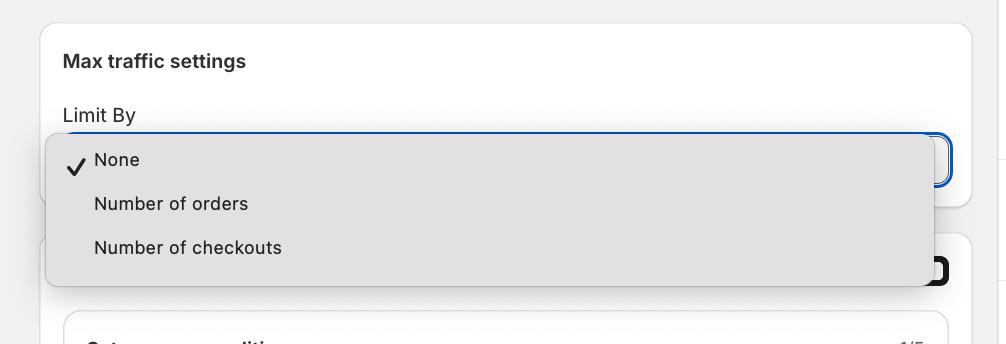
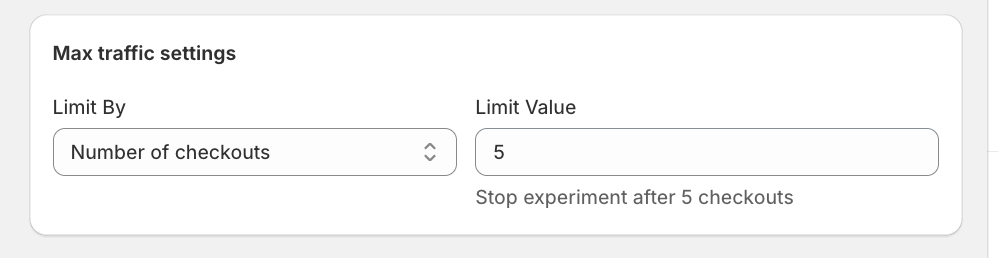
For meaningful statistical results, use a larger number. For testing purposes, a low number (e.g., 5 checkouts) will let you see the flow quickly.
Step 5 – (Optional) Set Conditions
ABCheck lets you add conditions to control when the experiment runs. For example, you can limit the experiment to sessions where the cart total exceeds a specific value. This is useful if you only want to test payment methods for high-value orders.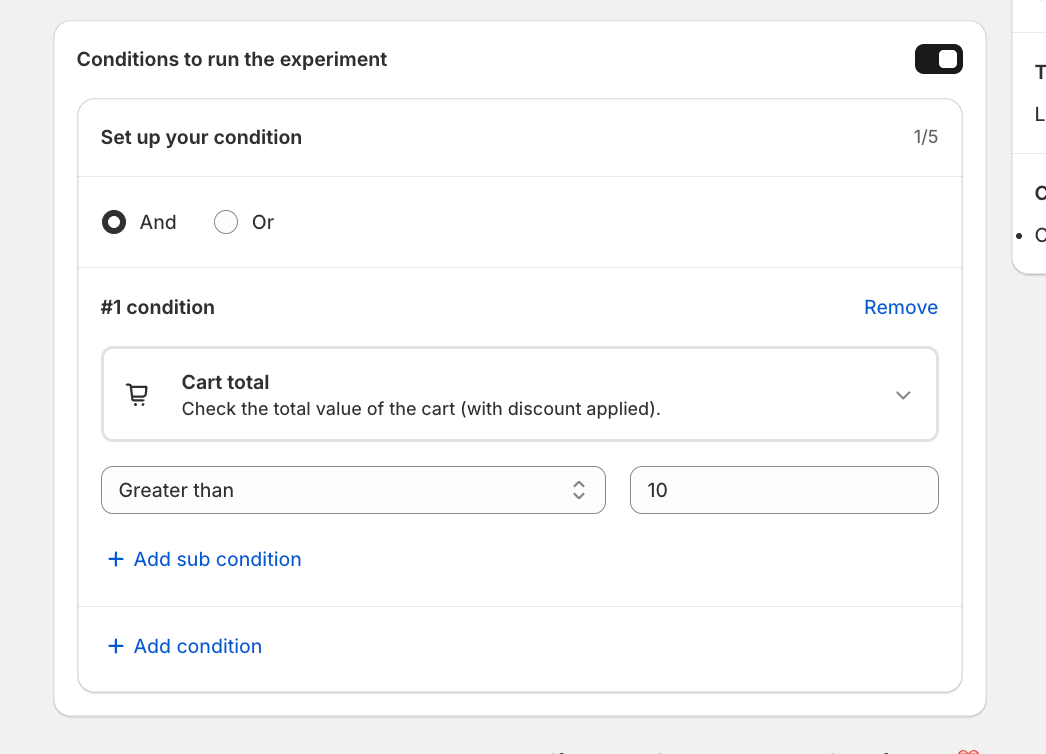
Step 6 – Add Variations
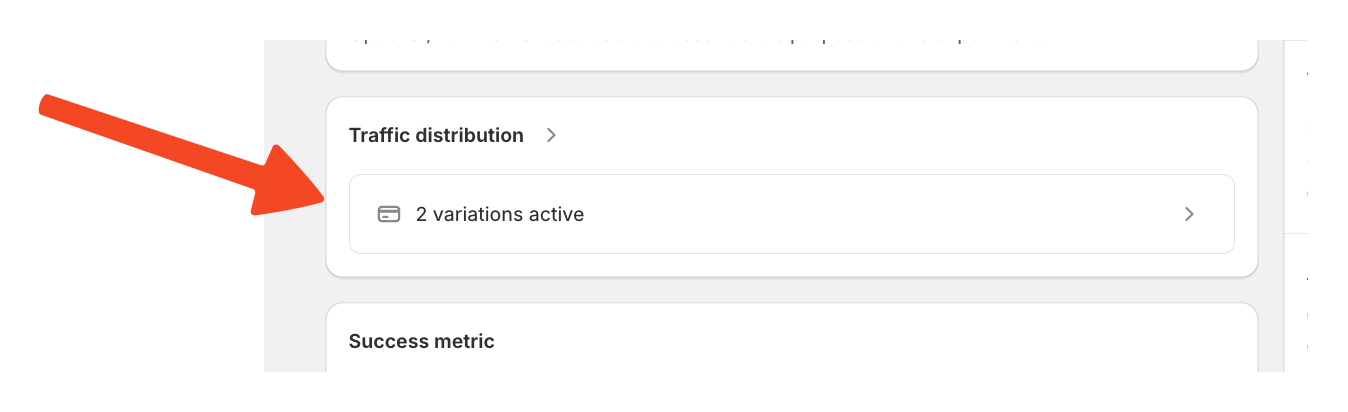
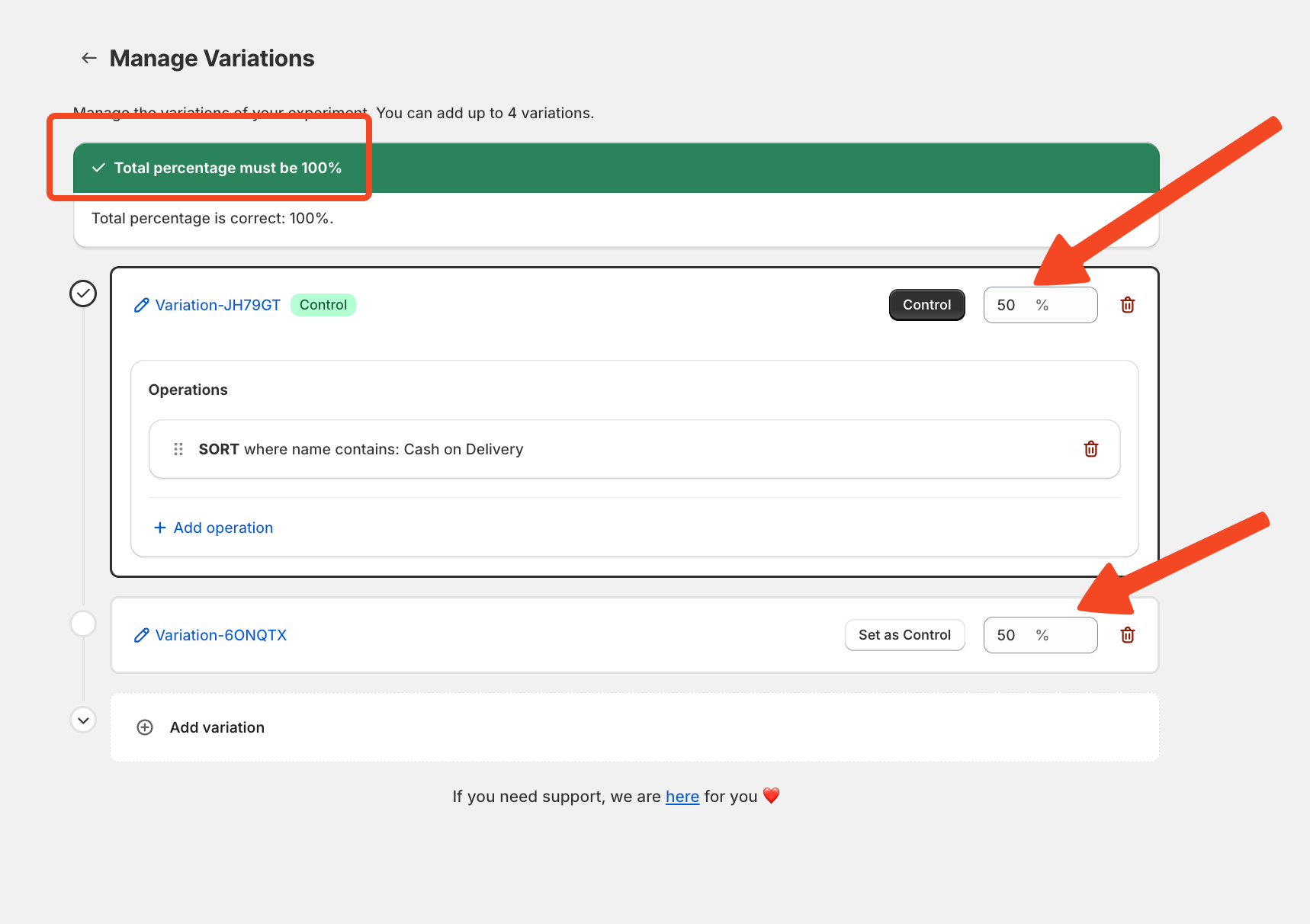 Every experiment requires at least two variations. Each variation defines:
-
A traffic split percentage (e.g., 50% / 50%)
-
Which payment method to show and at which position
ABCheck will show an error if you try to save with fewer than two variations or if your traffic split does not add up to 100%.
Variation 1 – Control
This is typically your default experience. Set it to 50% traffic and assign your primary payment method (e.g., Credit Card / Vogus) at position 1.
Variation 2 – Challenger
This is the alternative you want to test. Set it to 50% traffic and assign a different payment method (e.g., Cash on Delivery) at position 1.
Step 7 – Save and Activate
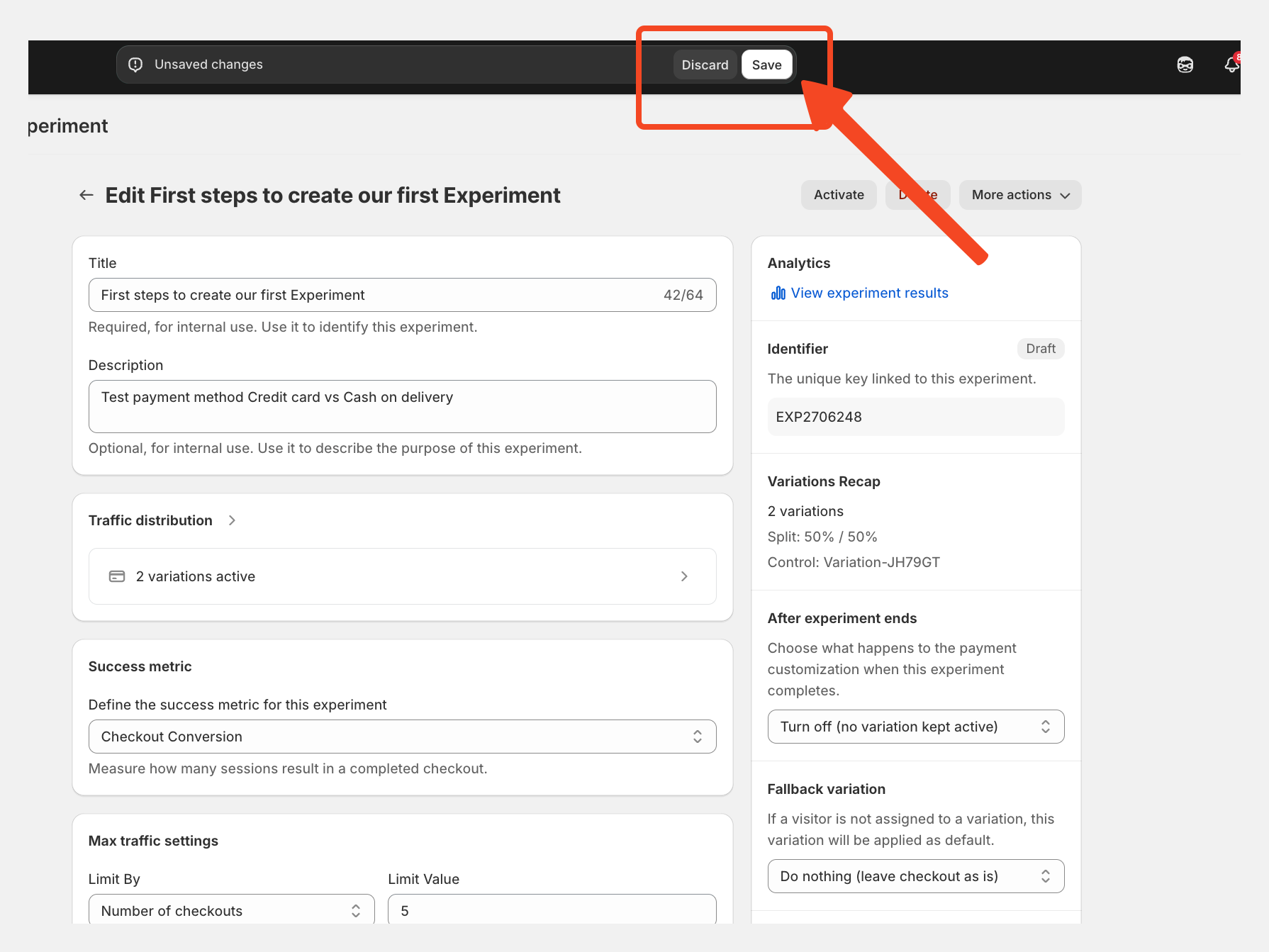 Click Save to confirm your experiment configuration, then Activate to start the experiment. Once live, the experiment cannot be modified. You can monitor it in real time from the Analytics page.

