
We’re excited to introduce a new feature in HidePay that allows merchants to require manual review of orders placed by B2B customers before they are finalised.
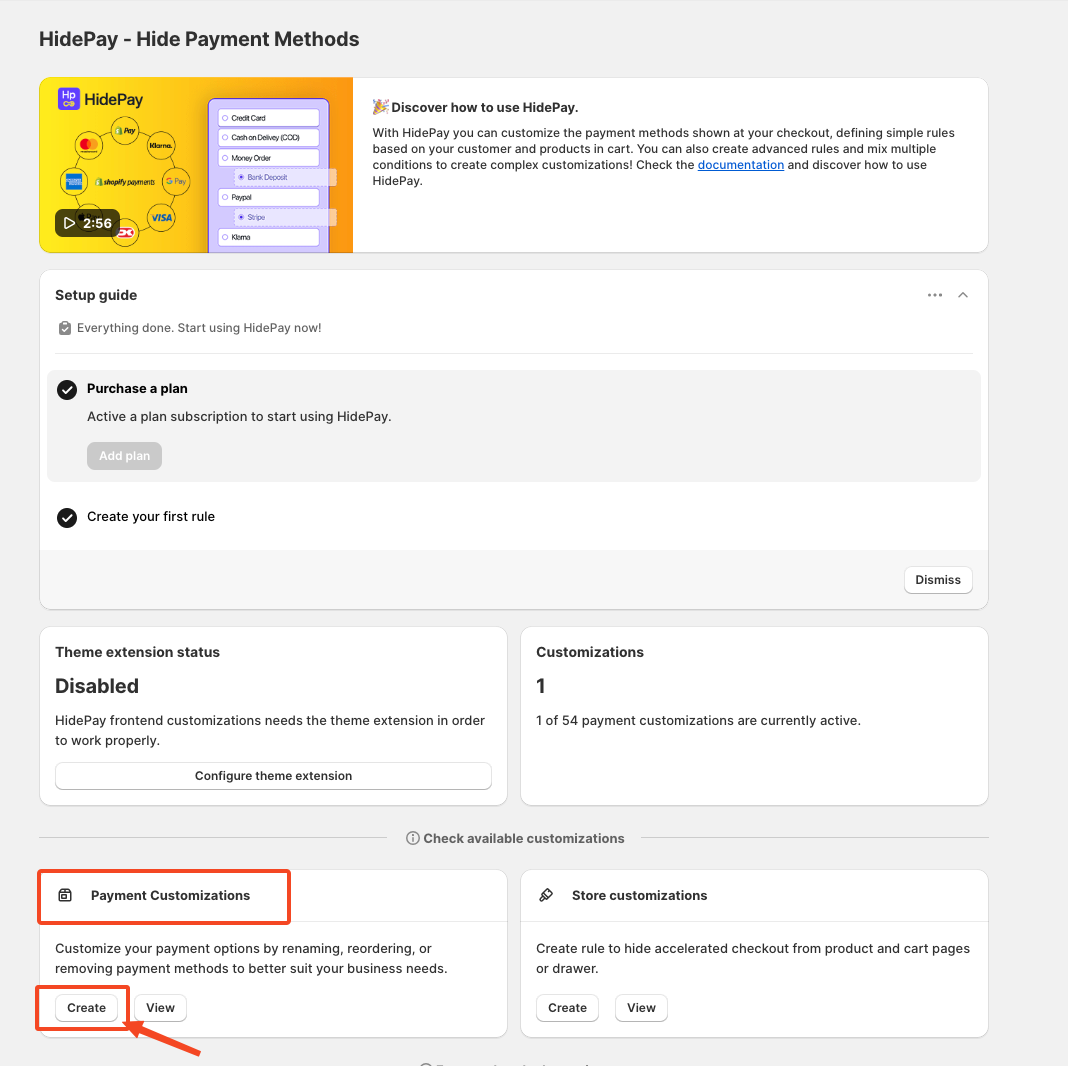
Open the HidePay Dashboard
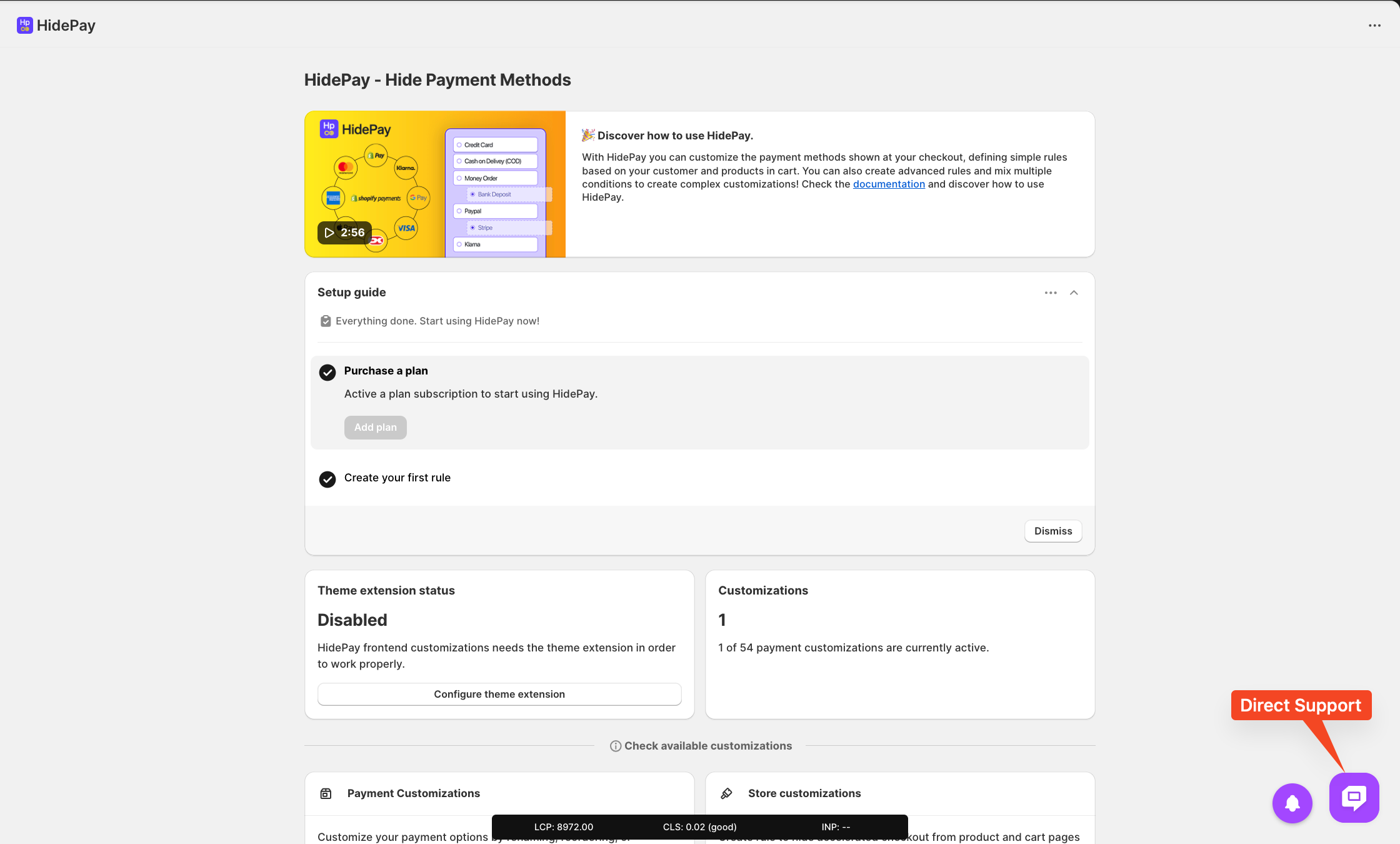
First, go to the HidePay dashboard inside your Shopify admin.
Payment Customisations section, click the Create button to start creating a new rule.
Choose Simple Customisation
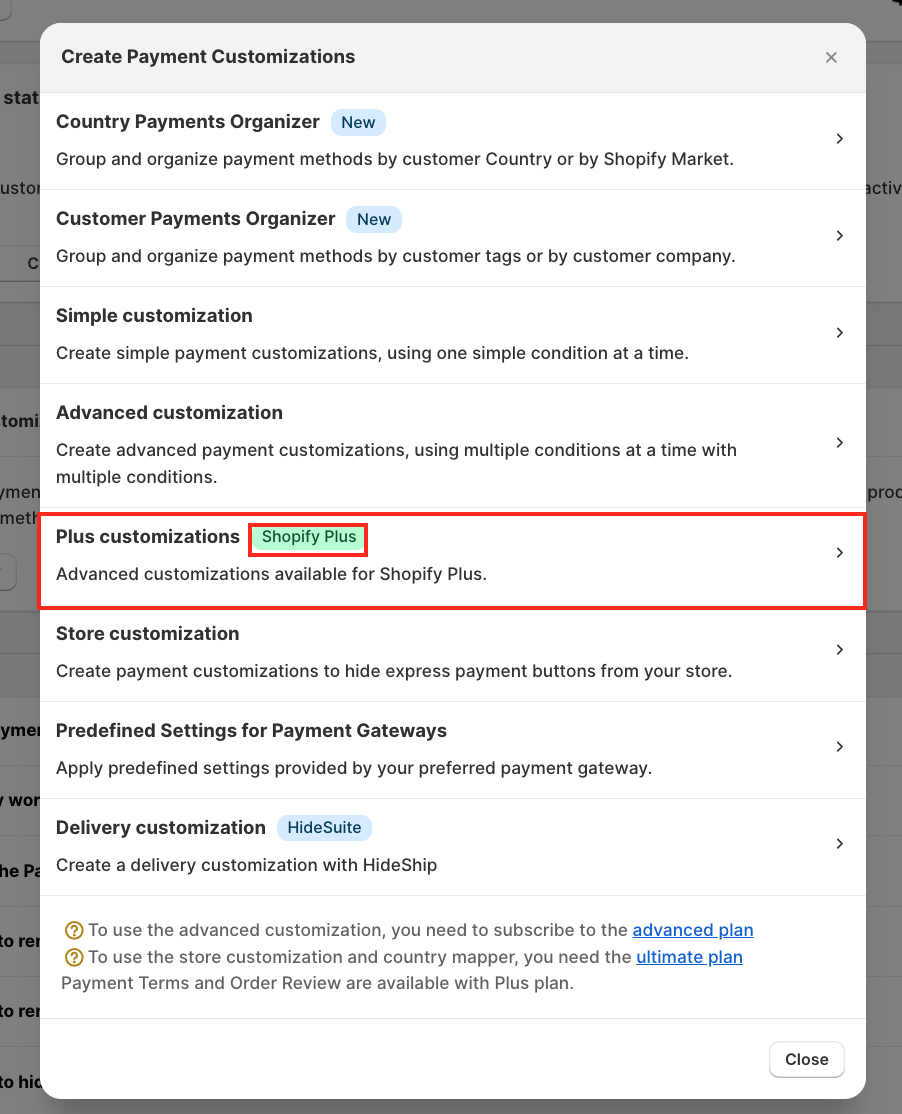
After clicking Create, a pop-up window will appear.
From this window, select Plus Customisation.
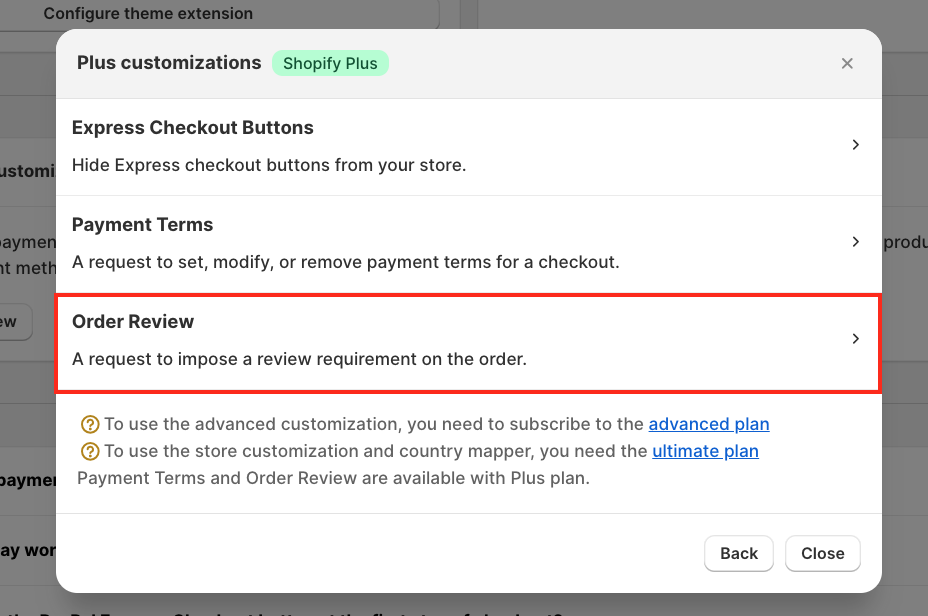
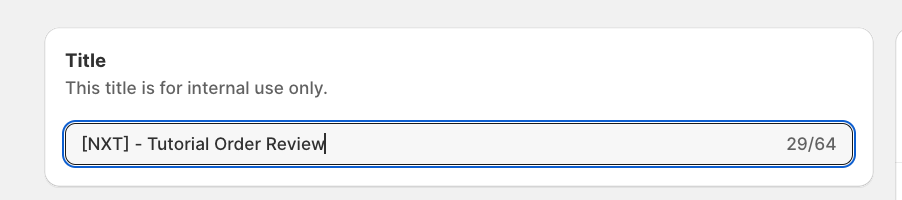
Enter a title for internal reference
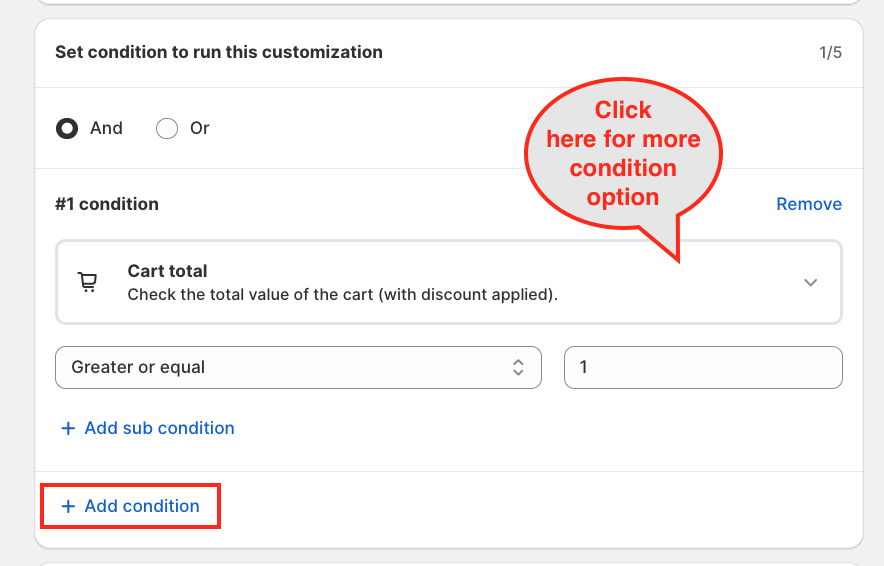
For this tutorial, we will use a simple condition: the rule will trigger when the cart total is greater than or equal to €1, allowing us to target all orders for review.
For example: Cart total → Greater or equal → €1
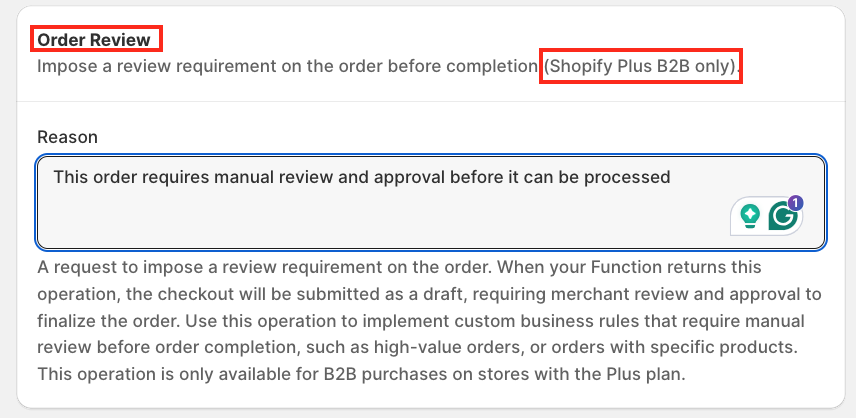
In the Order Review section, enter the reason why the order requires review.
Example: “This order requires manual review and approval before it can be processed.”
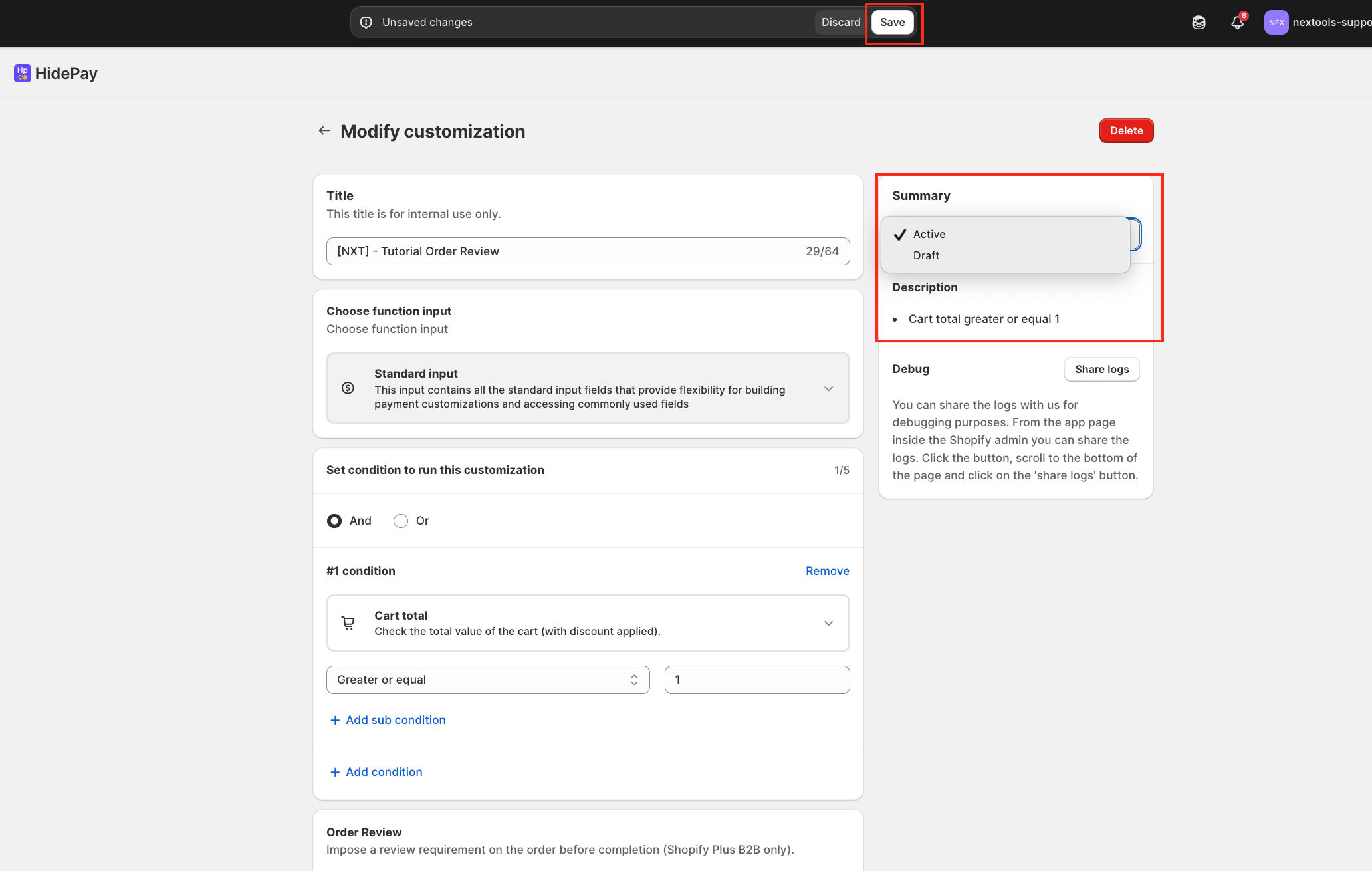
Let's save the rule and check on the Shopify Store Website
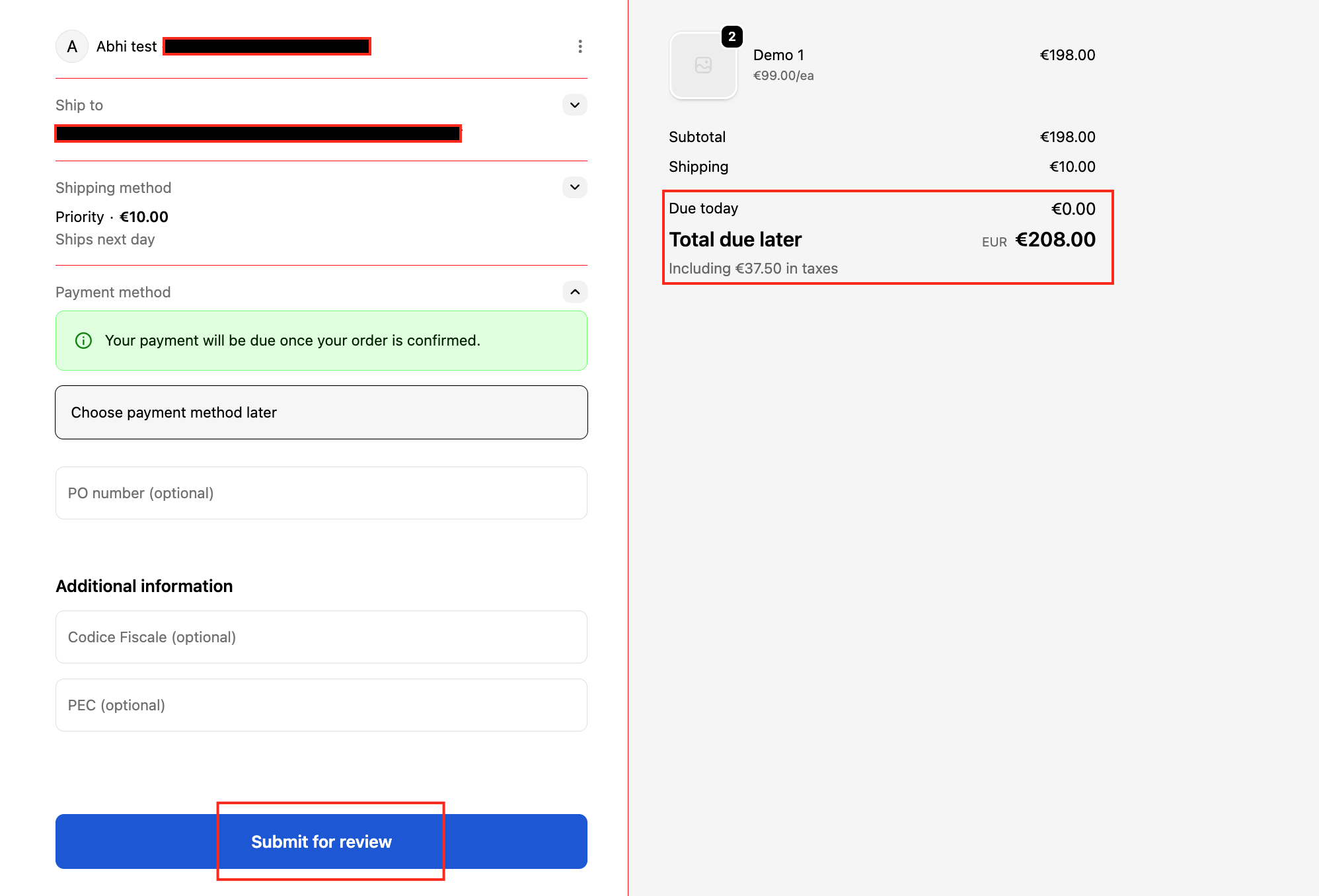
This is how your checkout page will look
We are happy to help you with the HidePay application! 🚀
