
By default, Shopify automatically displays the lowest-priced or free shipping option first at checkout. While this behavior follows Shopify’s guidelines, it can limit your ability to control how shipping methods are presented to customers.
With HideShip, you can override this logic and reorder shipping methods based on your own conditions and business needs.
In this guide, you’ll learn how to customize the order of shipping methods step by step.
Let’s begin.
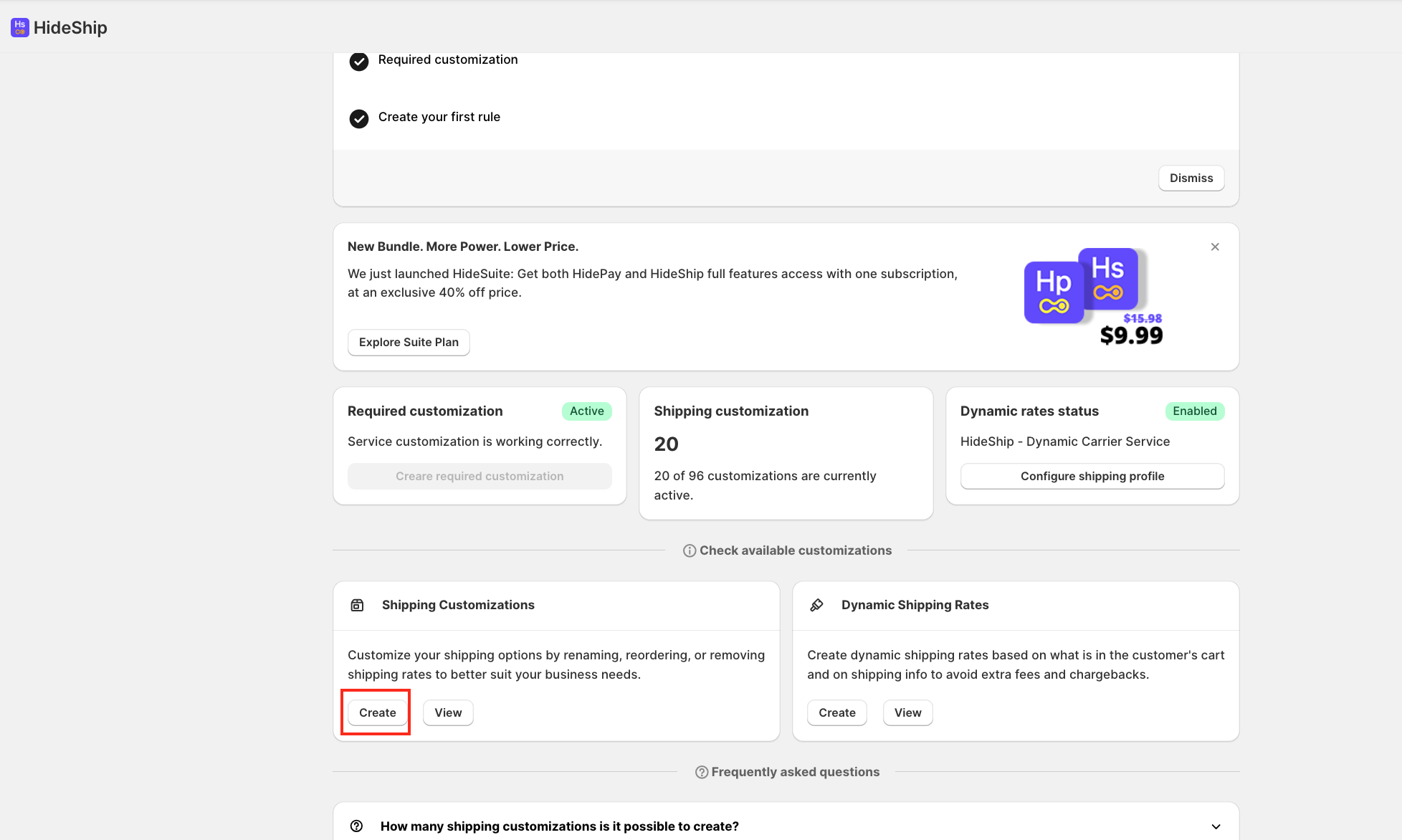
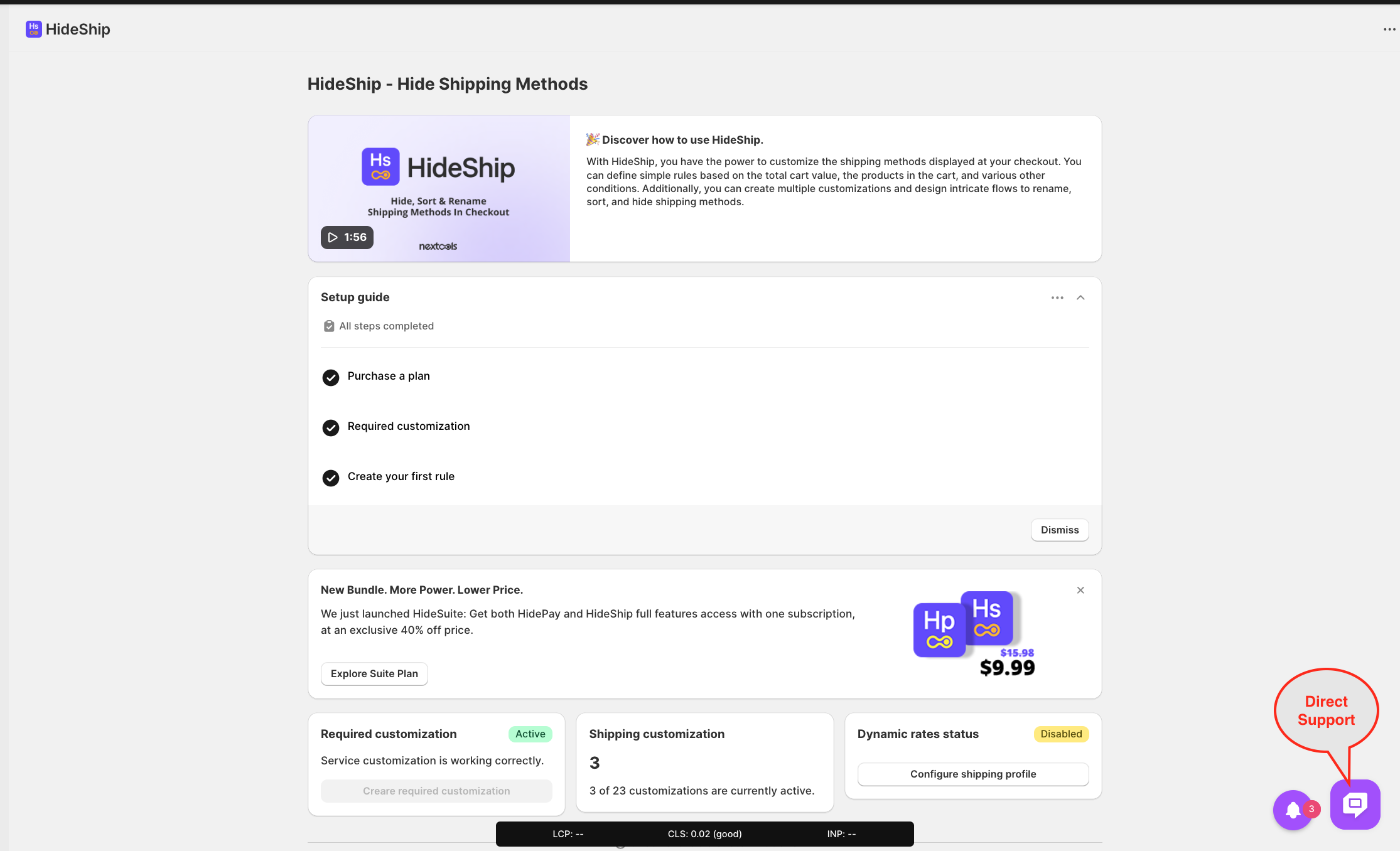
First, click on the Create button under Shipping Customization to set up your rule in the HideShip application.
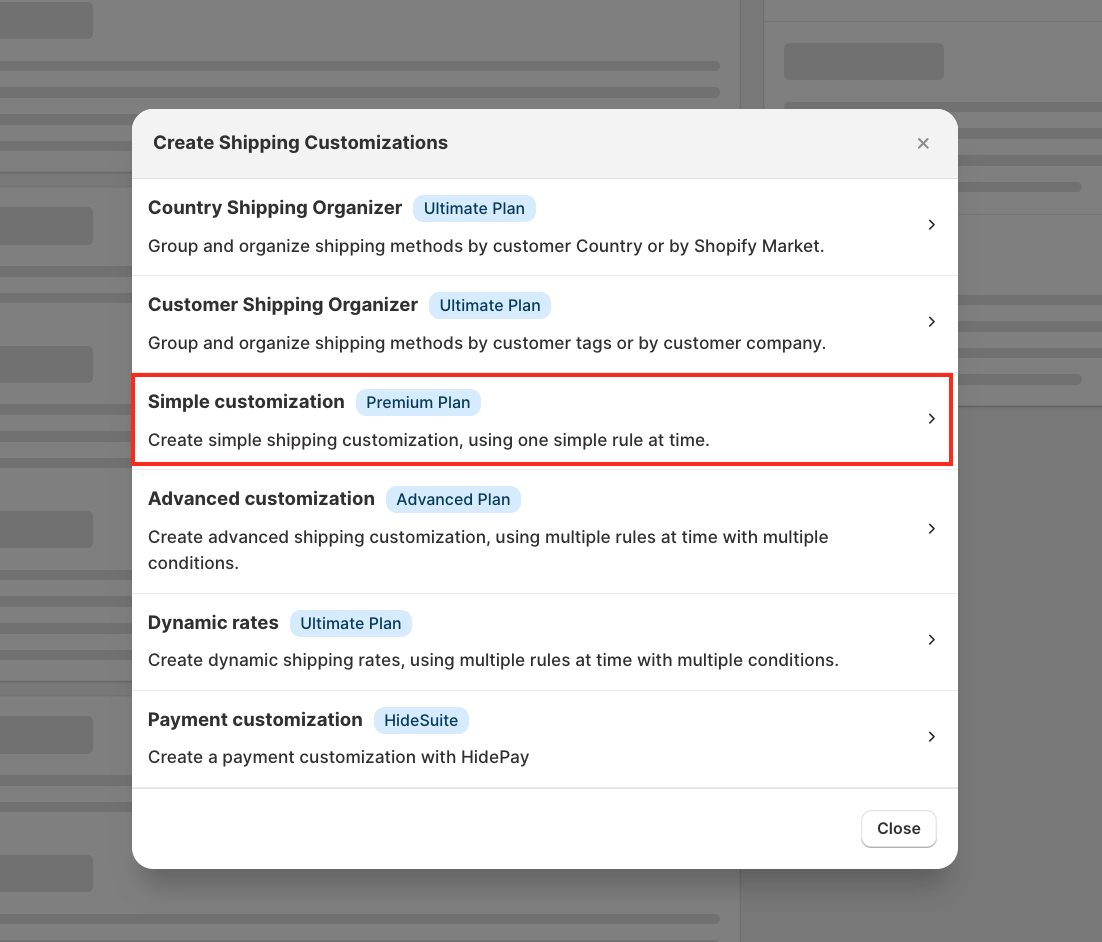
A pop-up window will appear; simply select Simple Customization.
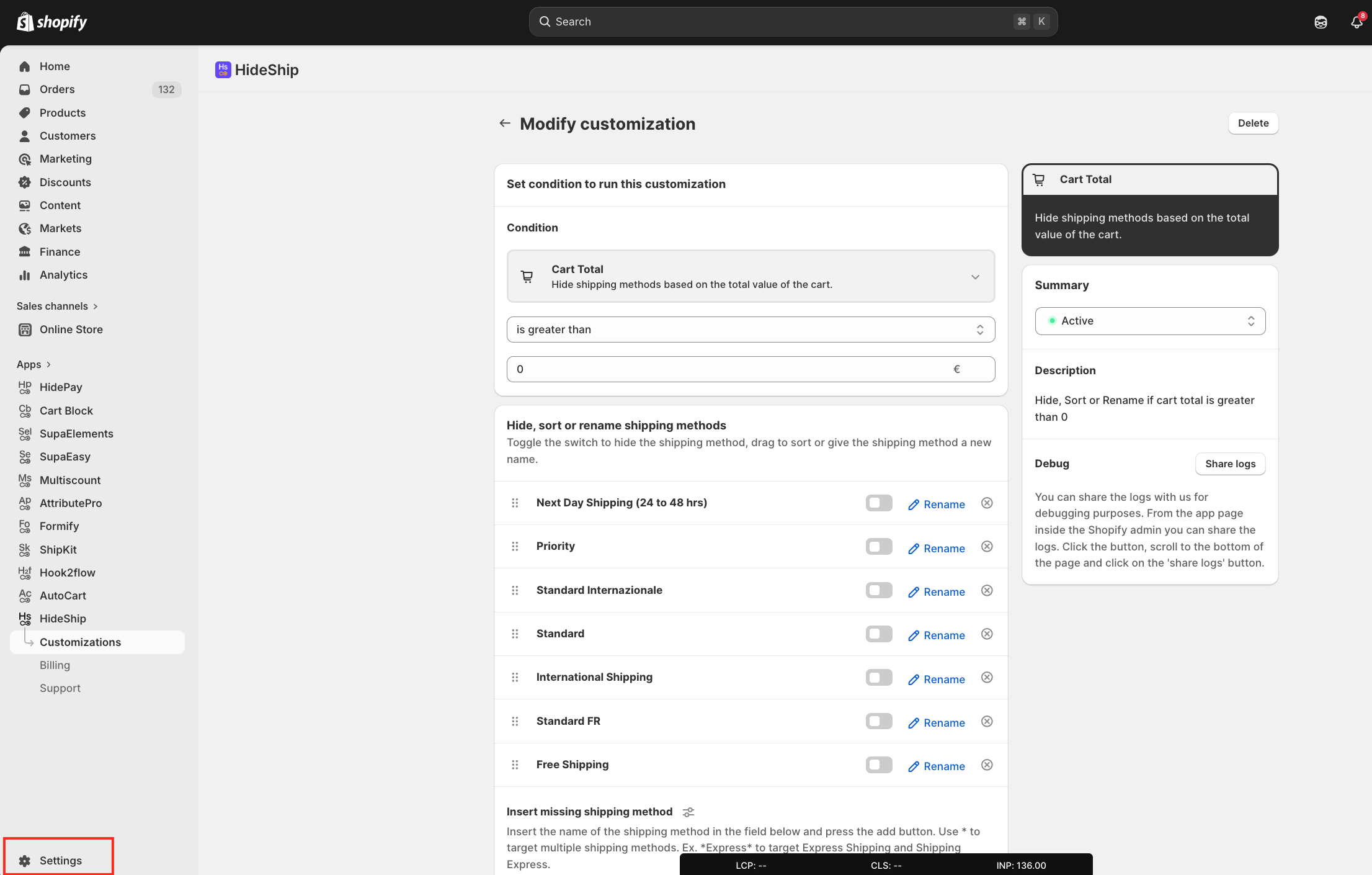
For this tutorial, we will use the condition where the cart total is greater than €0.
For this tutorial, we are using a function to select if the cart total is greater than €0.
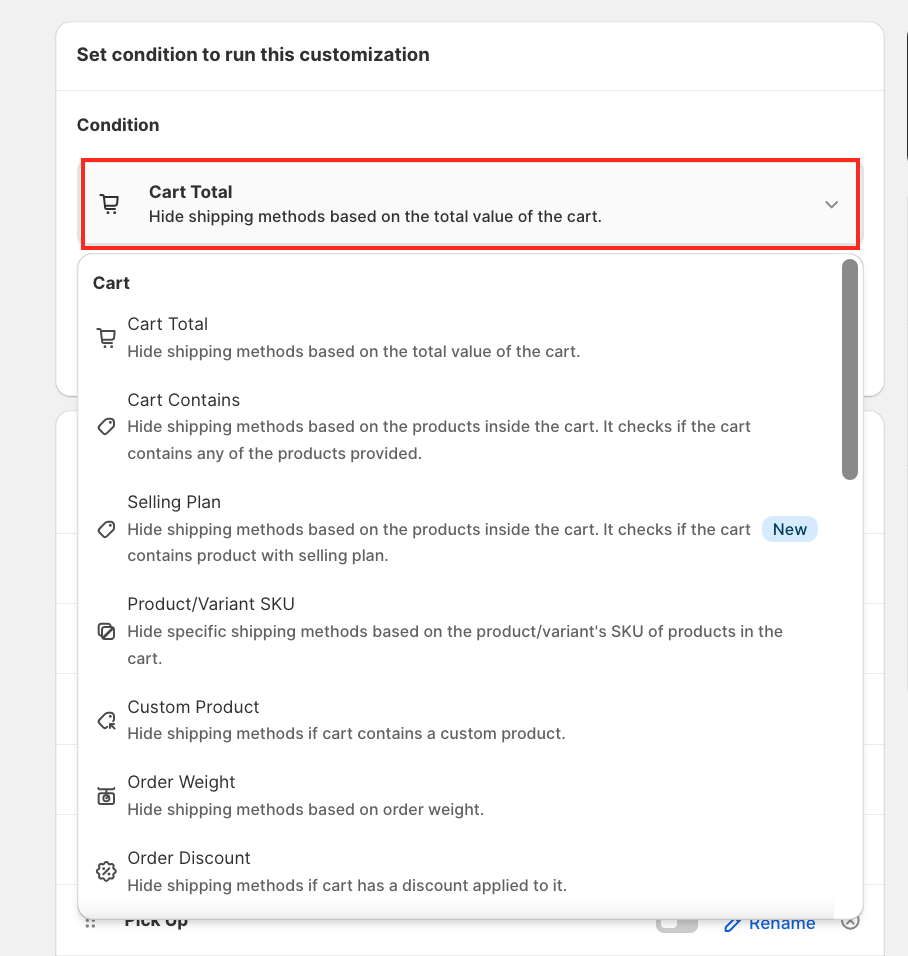
Note: You can select a different function based on your needs by clicking the dropdown arrow.
Before arranging the order of the shipping methods,
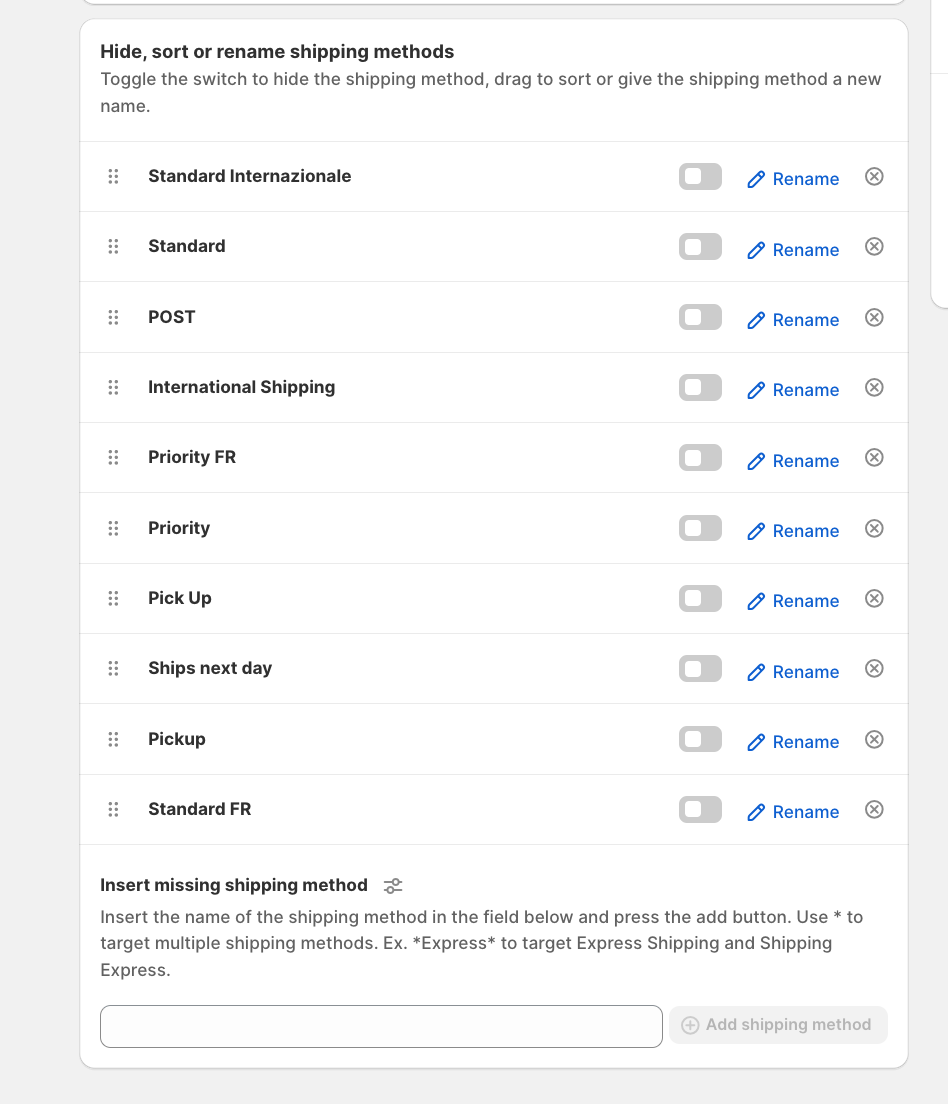
After,
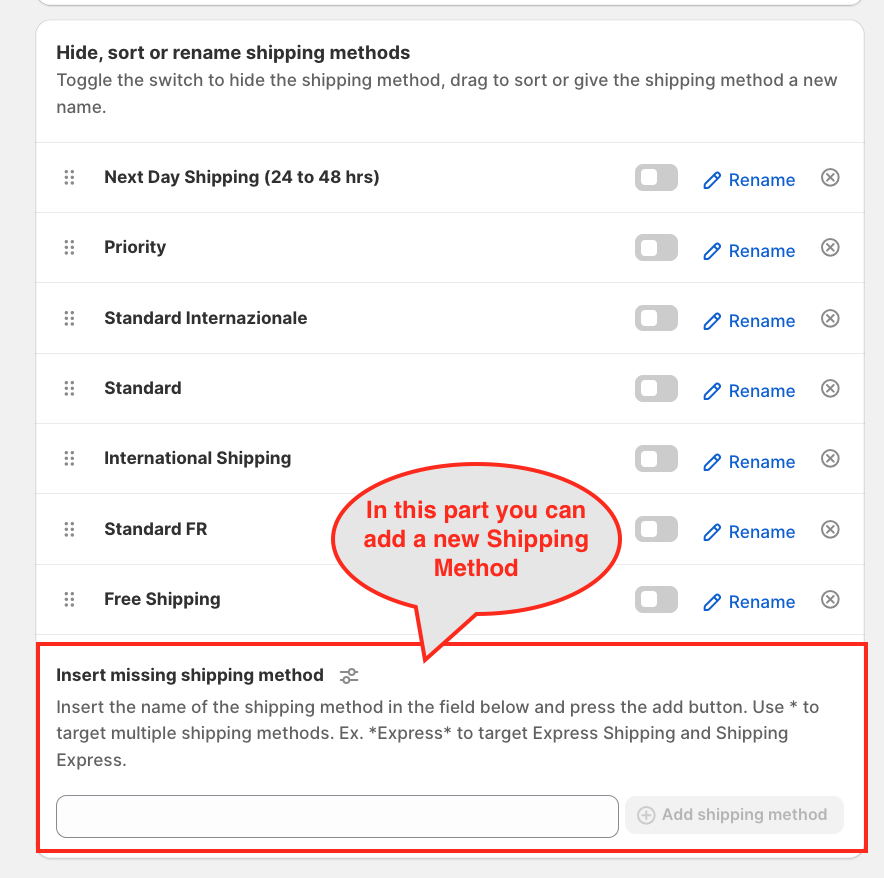
After setting up the customisation rule in the HideShip application, you need to adjust the store settings.
First, click on the Settings button in your Shopify admin.
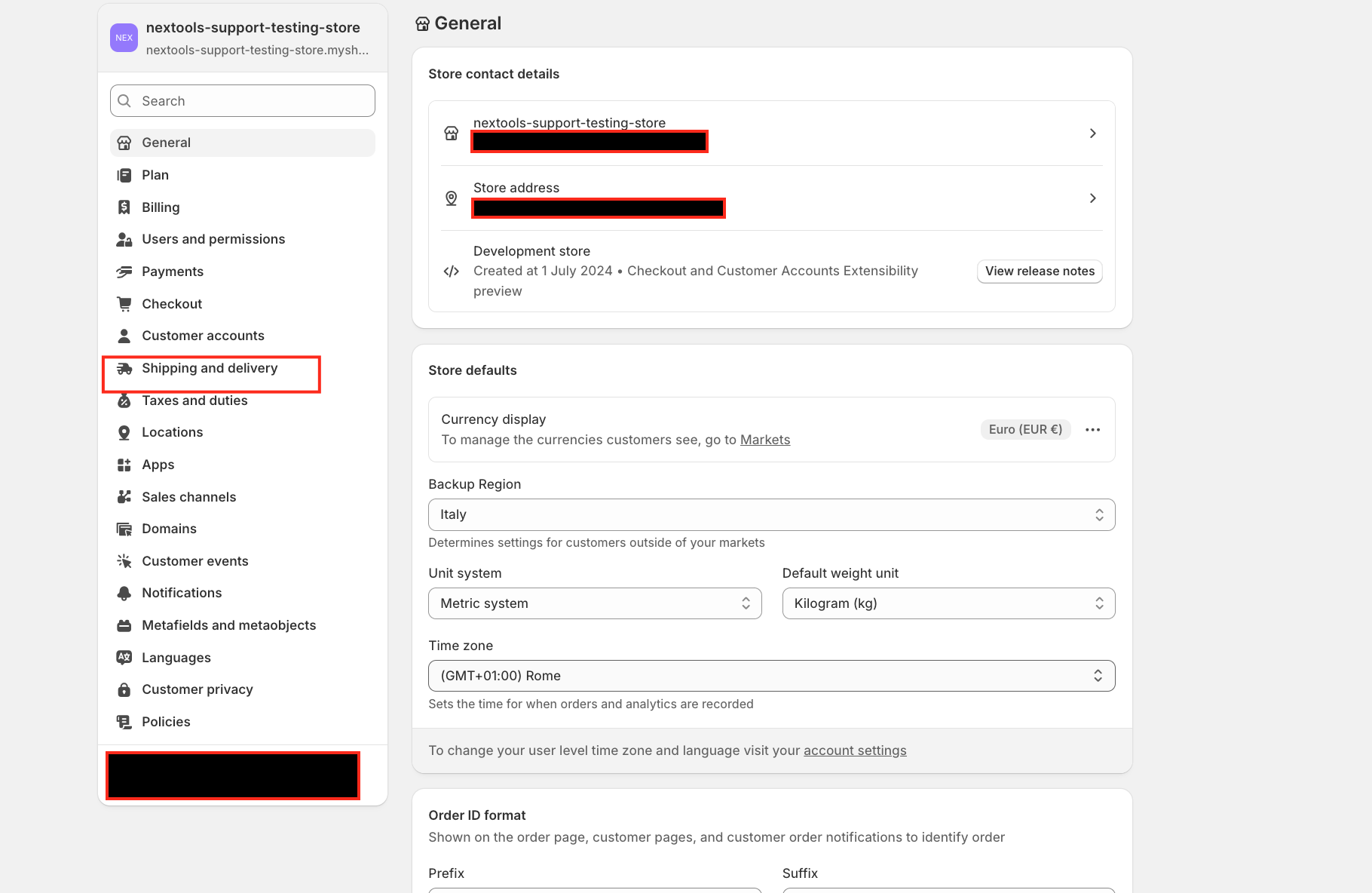
Second, click on Shipping and Delivery.
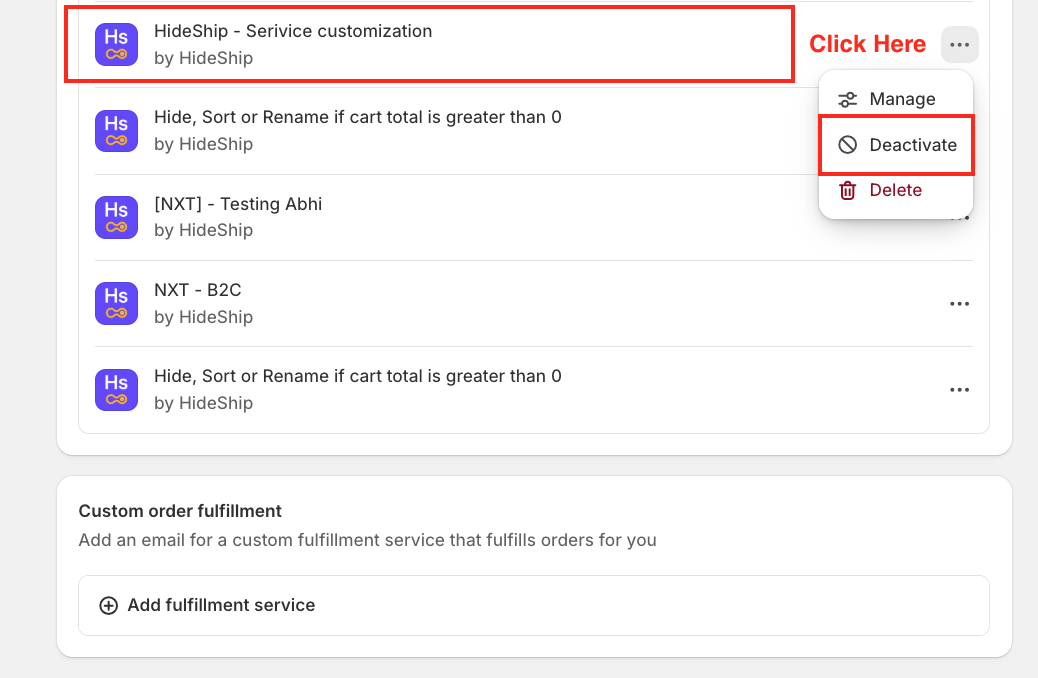
Scroll down to the Delivery Customisation section, locate HideShip - Service Customisation by HideShip, click the three dots, and deactivate it.
We’re glad to support you with the HideShip application! 🚀
