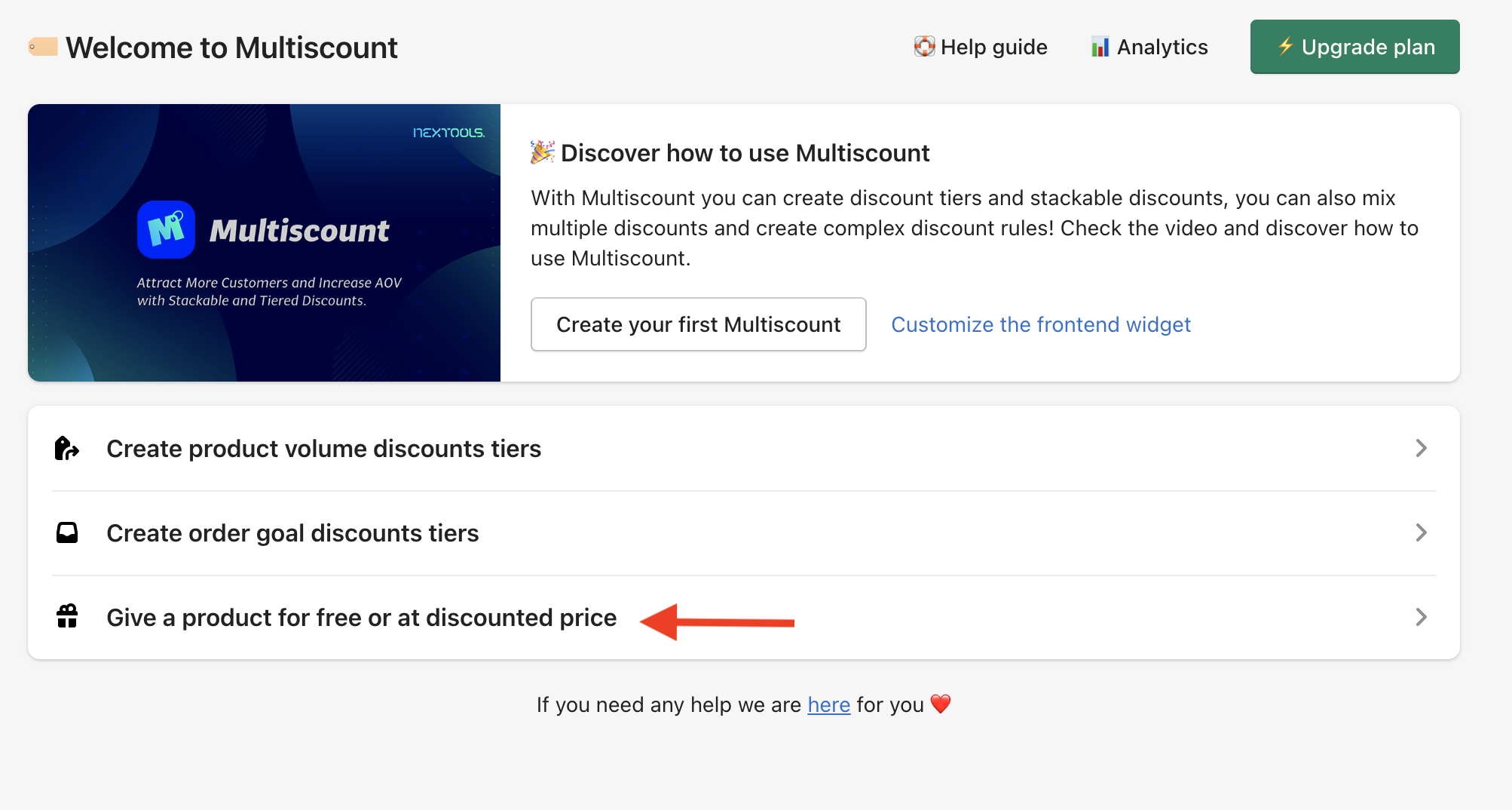
To give a product at discounted price or for free , click on "Give a product for free or at discounted price" from the home screen of Multiscount:
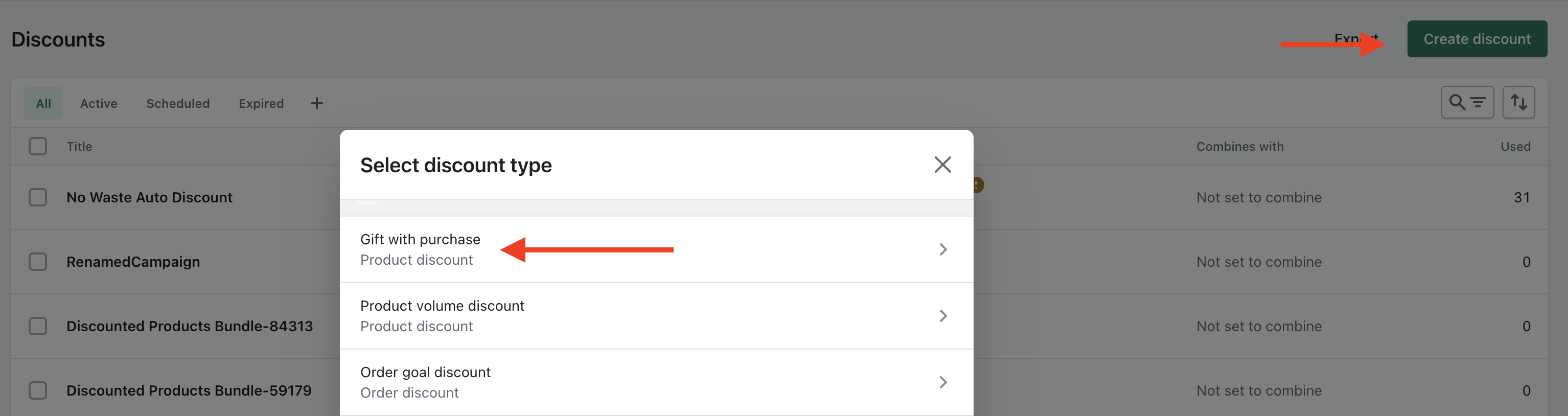
or go to the Shopify admin discount page and click on "Create discount" and select "Gift with purchase":
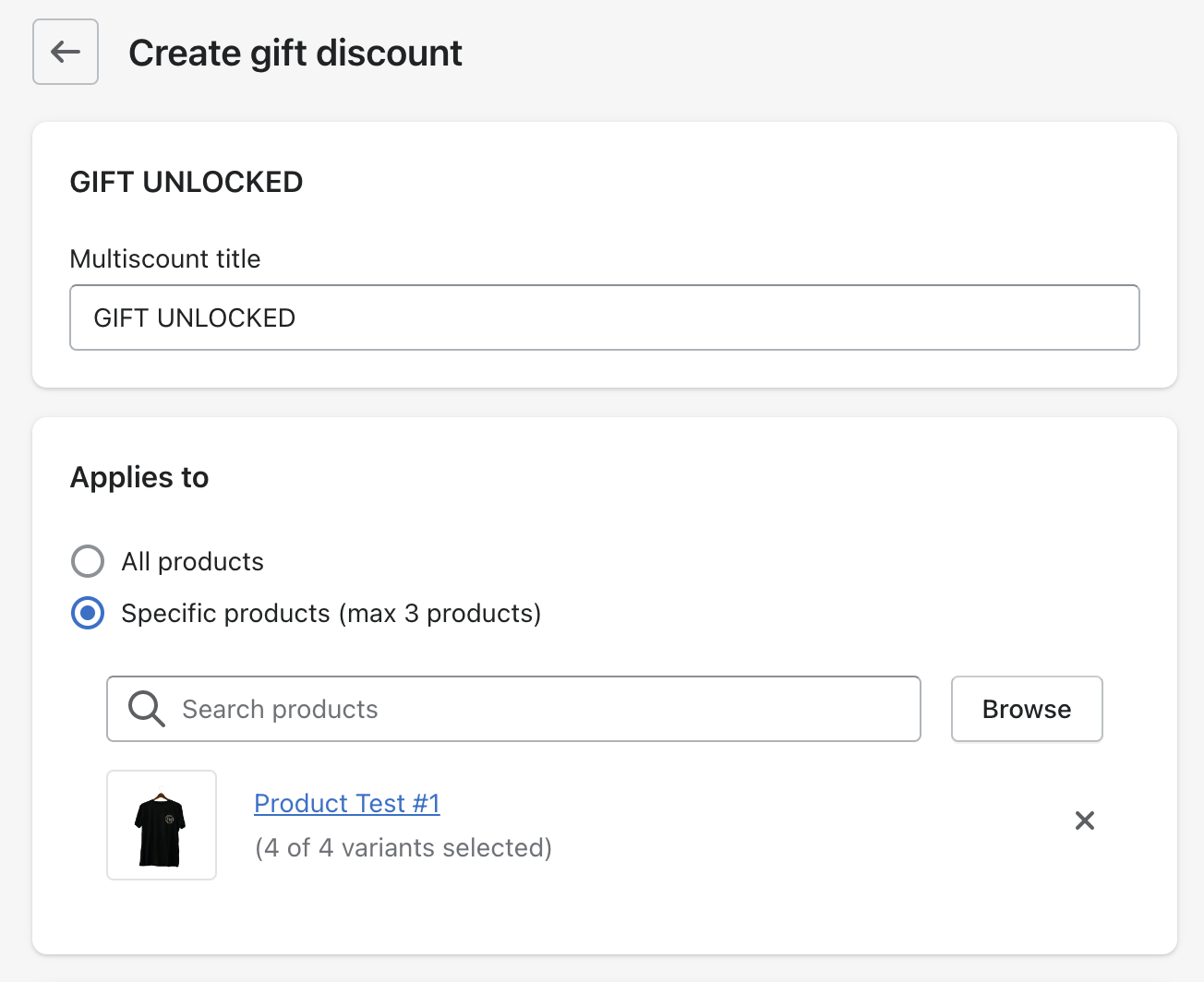
Name the discount and choose the product(s) and variant(s) that must be in the cart to qualify for the free products defined in the subsequent tiers:
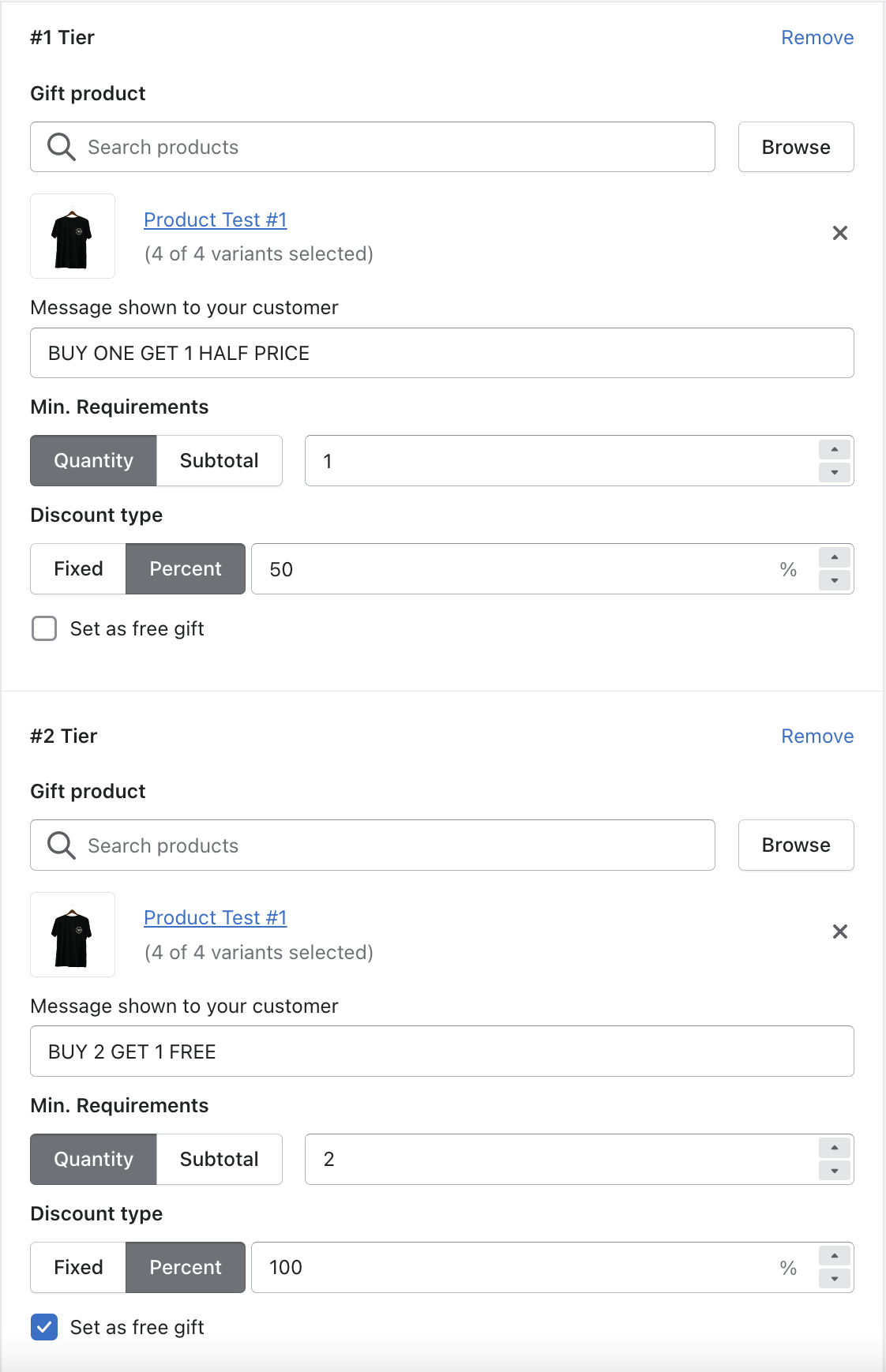
Configure the tiers and criteria of your discount by setting a minimum quantity or a minimum subtotal for each tier, the message shown to the customers when the discount is applied and the type of discount (percentage, fixed or a give the product completely for free):
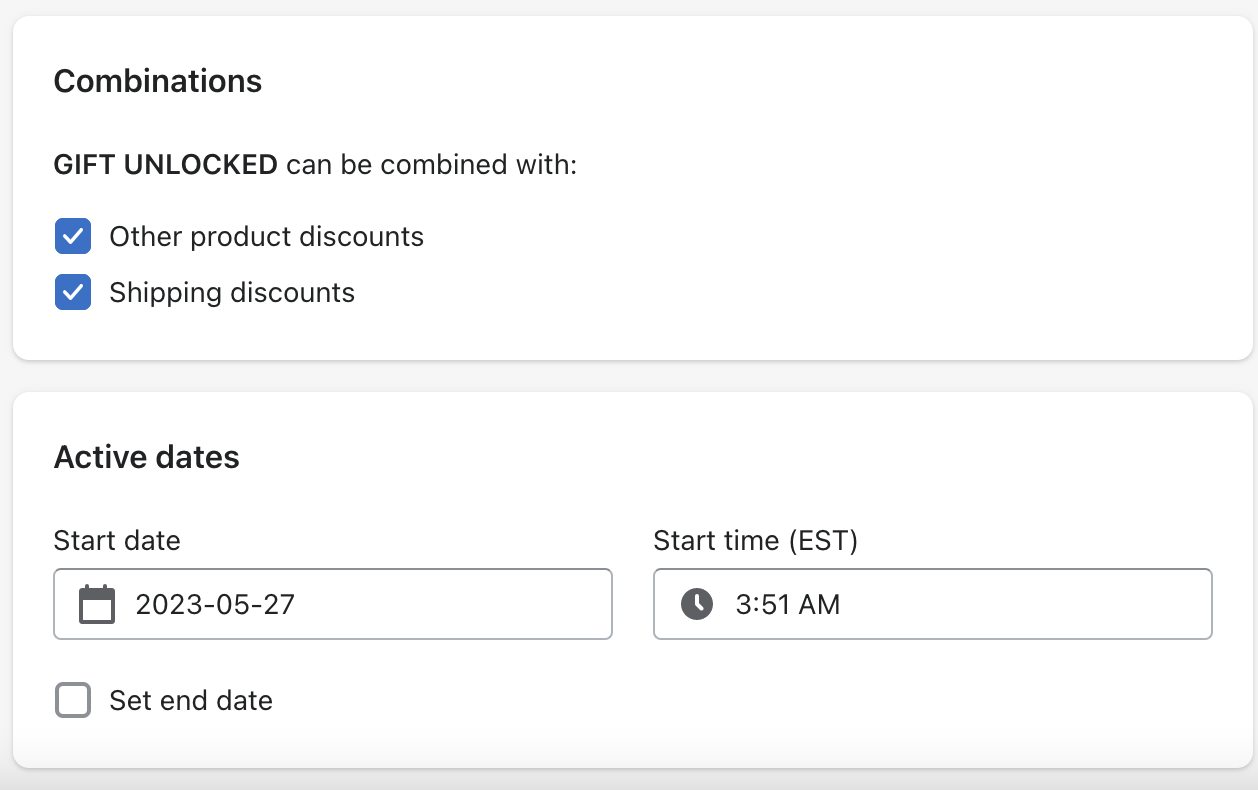
Finally, determine if it can be used in conjunction with other discounts, and specify the period during which the discount will be available.